Cookie consent and Google Consent Mode v2: what site owners need
In the EU and UK, analytics and ad tags need consent first. Learn what Google Consent Mode v2 is, how to set it up with a consent tool, and what to check.
By the WebTools team · Published 2026-11-10 · 1 min read
In the EU and the UK, analytics and advertising tags that use cookies or similar storage generally need the visitor's consent before they run. Google Consent Mode v2 connects your cookie banner to Google's tags so they behave accordingly.
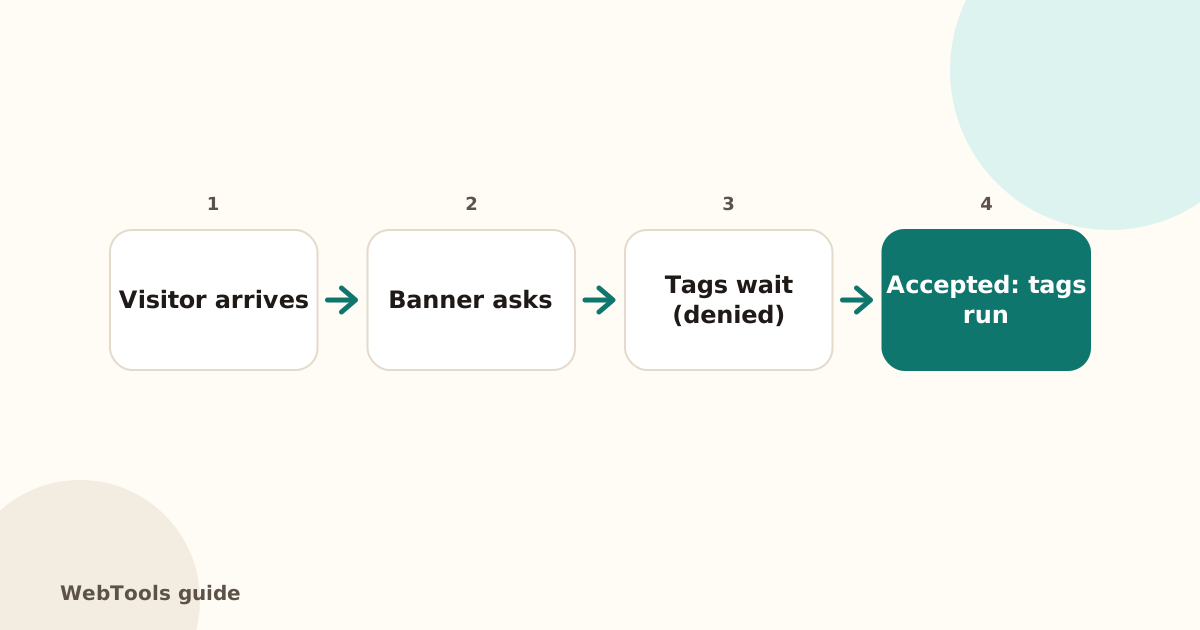
What a correct setup looks like
- A consent banner with equal "Accept" and "Reject" options and a way to change your choice later.
- Default consent set to denied before any Google tag loads (ad_storage, analytics_storage, ad_user_data and ad_personalization).
- Tags update to granted only after the visitor accepts.
How to set it up
- Use a certified consent tool (for example Cookiebot, CookieYes, Usercentrics, OneTrust, Complianz). Most have a Consent Mode v2 switch and a ready Google Tag Manager template.
- In GTM, use the consent tool's template and set your Google tags to respect consent.
- Shopify: use Shopify's built-in customer privacy settings or a consent app that supports Consent Mode.
What the audit can and can't see
The SEO audit detects known consent tools and tracking tags in your page code, and warns if it finds tracking but no known banner. It can't test whether tags fire before consent: that needs a browser session. Check it yourself in an incognito window with your browser's developer tools, or with Google Tag Assistant.
Related: Google Analytics 4 setup check.
This guide is general information, not legal advice.
Questions about this topic
Is Consent Mode v2 mandatory?
Google requires it since March 2024 for advertisers who want to keep using personalisation and remarketing for users in the EEA and UK. The legal duty to ask for consent comes from EU/UK law (GDPR and the ePrivacy rules).
Can I use analytics without a banner?
Not with Google Analytics in the EU/UK in most cases. Some privacy-friendly analytics tools that don't use cookies or personal data may be used without consent; check the guidance of your country's data protection authority.
Related guides
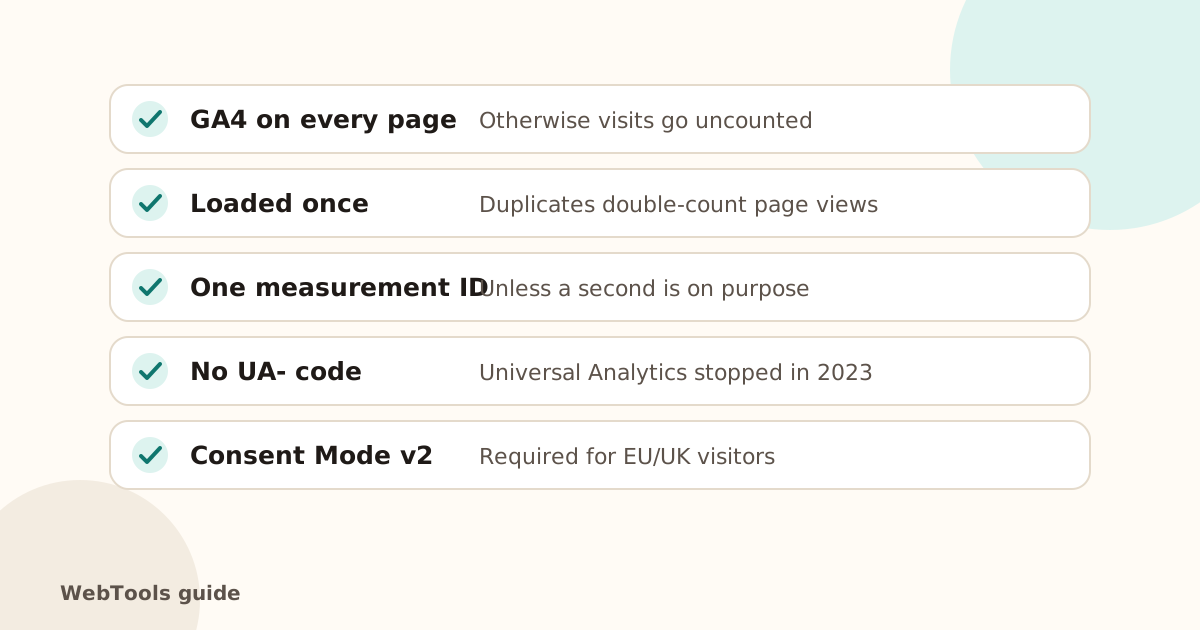 TrackingGoogle Analytics 4 setup check: missing, duplicate and old tagsMake sure GA4 is on every page, loaded once, and that old Universal Analytics code is gone. Learn how to install GA4 directly or with Google Tag Manager.1 min read
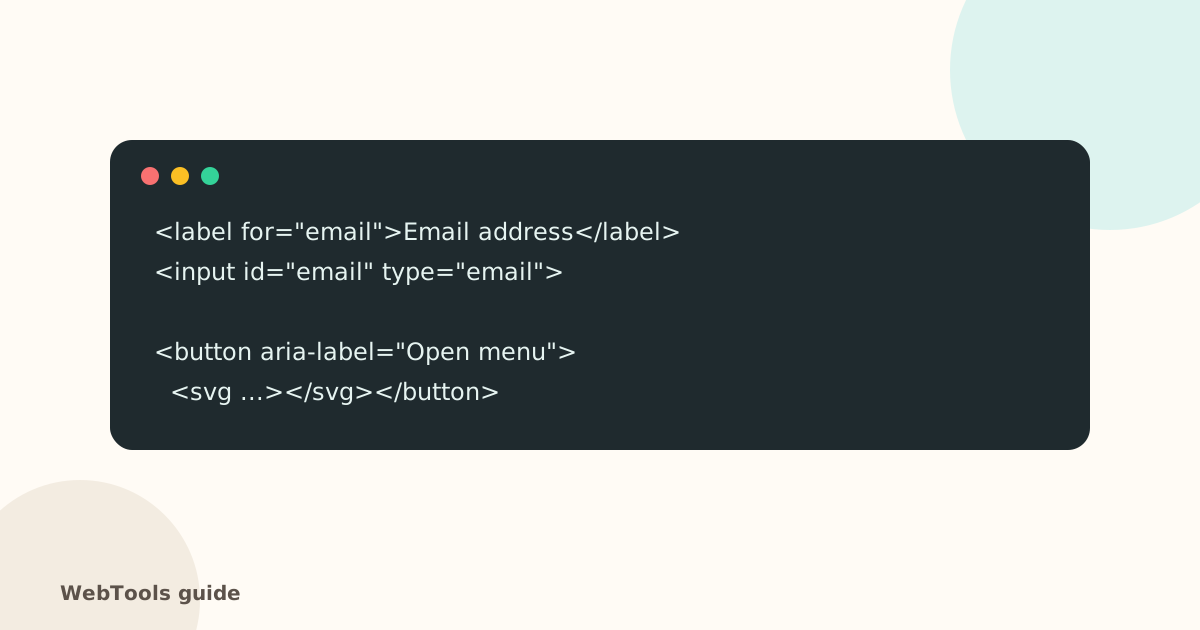 AccessibilityAccessible links, buttons and forms: quick fixes that help everyoneForm fields without labels, empty icon buttons and "click here" links confuse screen reader users. Learn the quick fixes that make your site usable for everyone.1 min read
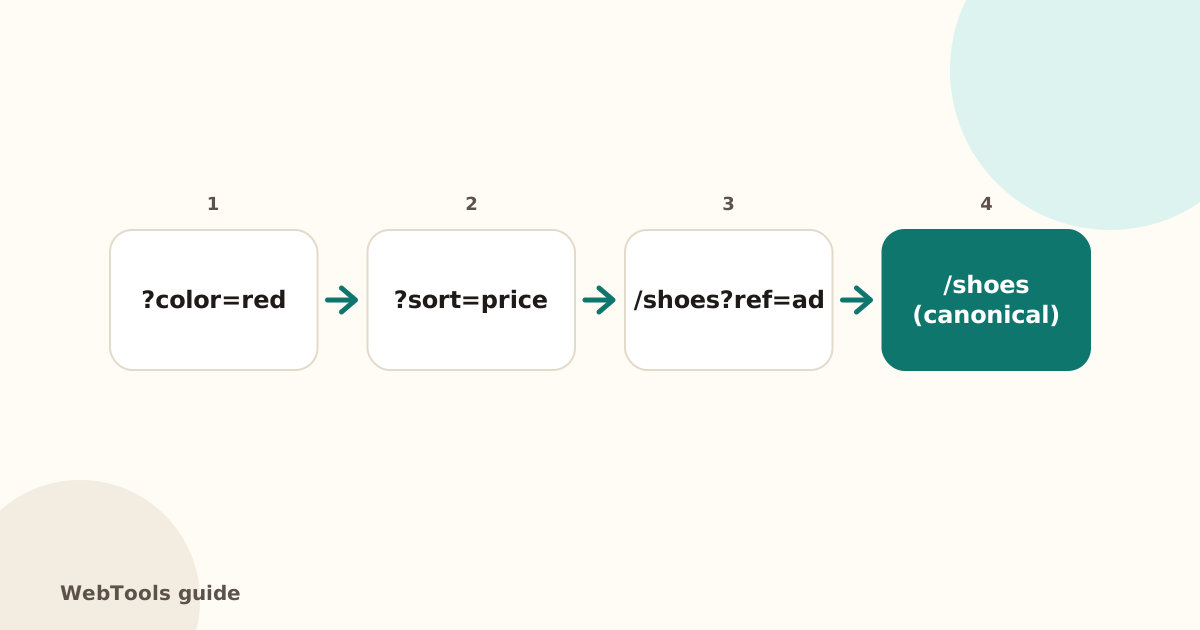 SEOCanonical tags: fix duplicate content the right wayA canonical tag tells Google which address is the main copy of a page. Learn when to use it, how to add it, and how to fix missing, wrong and duplicate canonicals.1 min read