Canonical tags: fix duplicate content the right way
A canonical tag tells Google which address is the main copy of a page. Learn when to use it, how to add it, and how to fix missing, wrong and duplicate canonicals.
By the WebTools team · Published 2026-11-10 · 1 min read
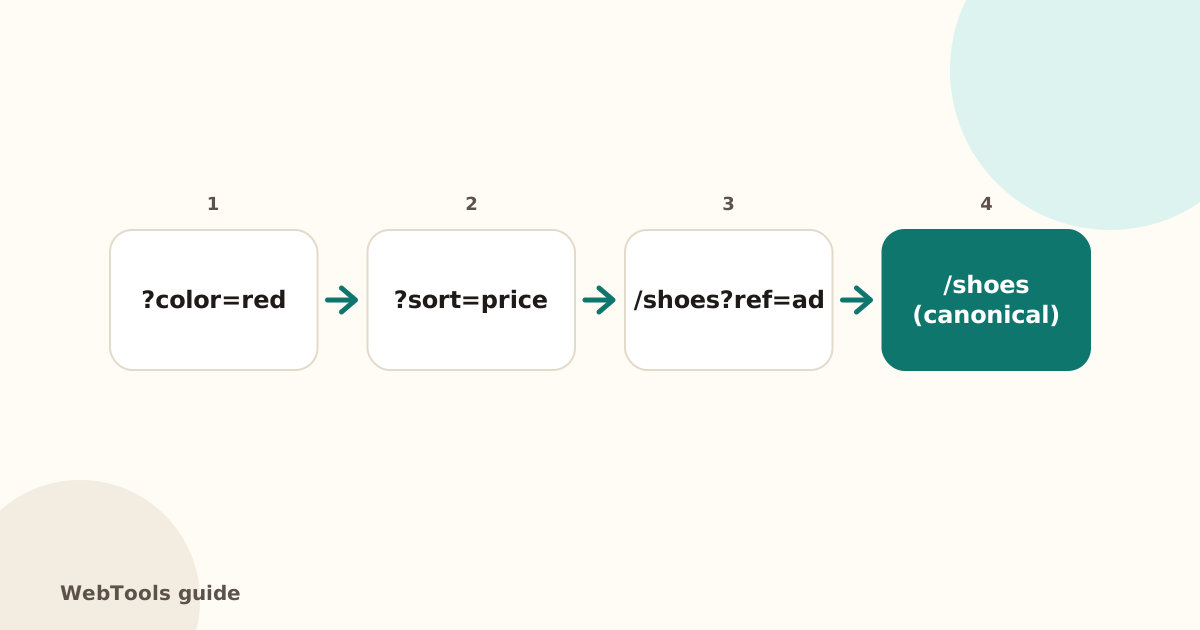
The same page can often be reached at several addresses: with tracking parameters, sorting options, print versions or both http and https. Search engines then have to guess which one to rank. A canonical tag tells them.
How to add it
Put a link element with rel="canonical" in the page head, with the full preferred address of the page. Most SEO plugins (Yoast, Rank Math) and shop platforms add a self-referencing canonical automatically.
When to point elsewhere
- Duplicate content: two pages with the same text, such as a product in two categories. Point both at the main one.
- Filter and sort URLs: point them to the unfiltered category.
- Syndicated articles: the copy can point to the original.
Common mistakes
- Every page points to the homepage: a theme bug that tells Google to ignore all your other pages.
- Canonical to a redirected or 404 page.
- http:// canonicals on an https:// site (see HTTPS redirects).
- Canonical and noindex together: mixed signals. Choose one.
Duplicate content
If two pages truly have the same content, the best fix is to merge them and 301-redirect the weaker one. Use the canonical when both must stay. The full SEO audit finds pages with identical text, pages without a canonical, and canonicals that point to another page, so you can check each one is intentional.
Questions about this topic
Should a page have a canonical pointing to itself?
Yes, a self-referencing canonical is good practice. It protects the page from copies created by tracking parameters and filters.
Is a canonical tag the same as a redirect?
No. A redirect sends visitors to another page. A canonical is a hint to search engines only; visitors still see the page they opened.
Related guides
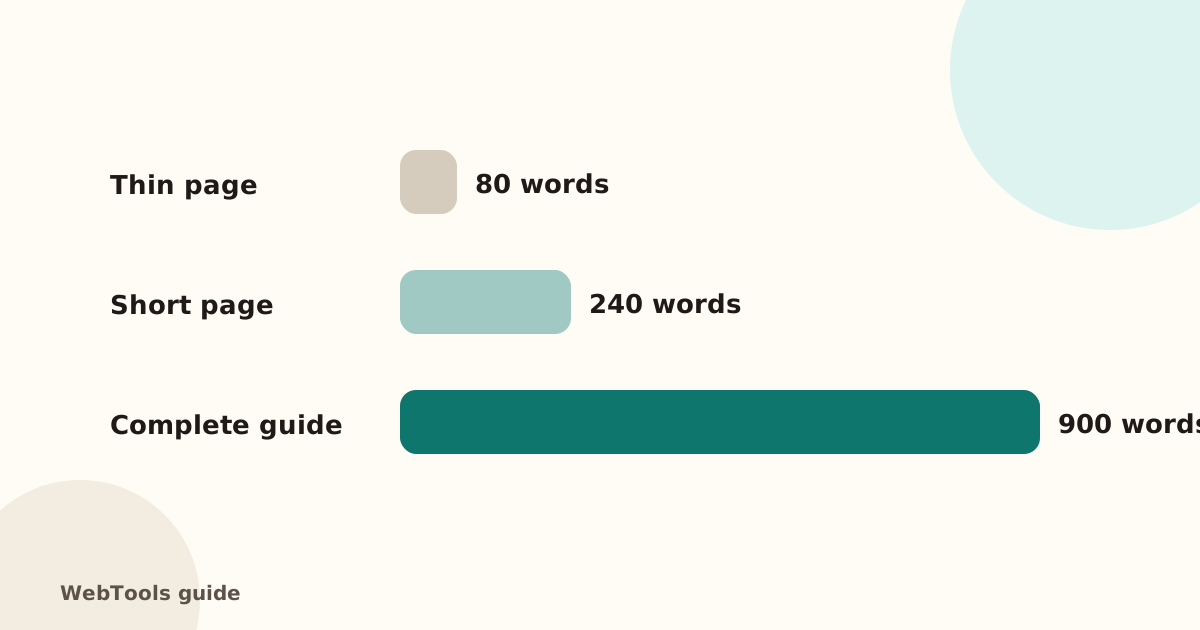 SEOThin content: how much text does a page need to rank?Pages with very little text rarely rank. Learn what thin content is, when short pages are fine, and how to expand or merge pages so they answer the searcher's question.1 min read
 SEOFavicon: add the small icon Google and browsers showA favicon appears in browser tabs, bookmarks and next to your site in Google's mobile results. See the sizes you need and how to add one in WordPress, Shopify and HTML.1 min read
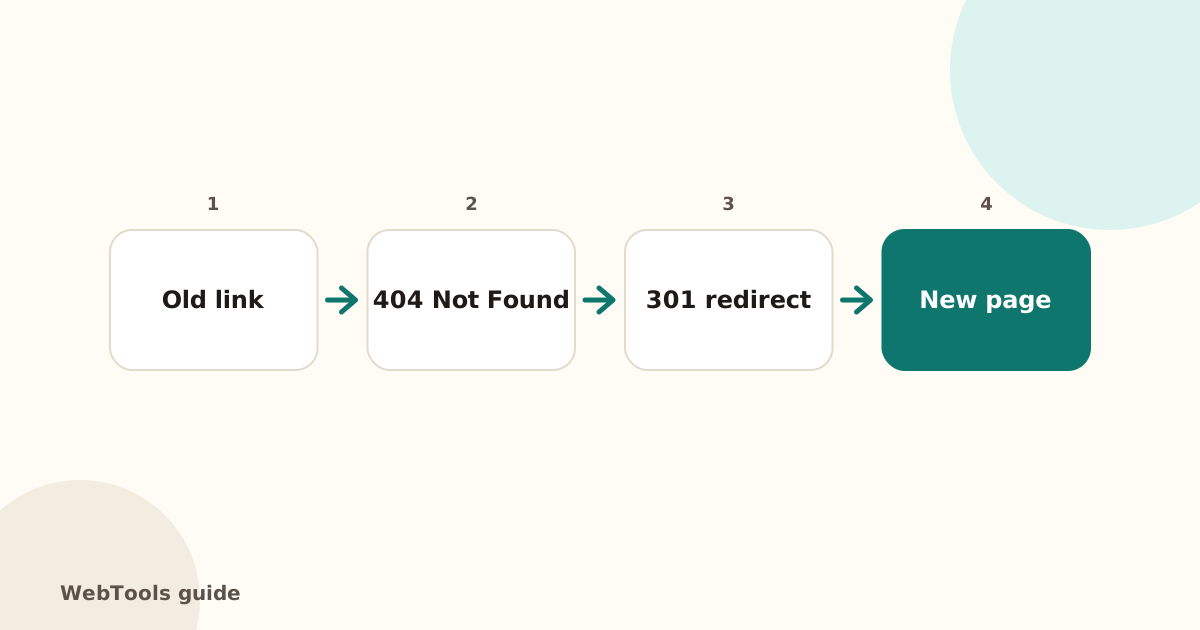 SEOHow to find and fix broken links and 404 errorsBroken links frustrate visitors and waste Google's crawl budget. Learn how to find broken internal and outgoing links, fix 404 and 500 errors, and set up 301 redirects.1 min read