Guides for every check
Each problem the website checker or the SEO audit finds has a guide here: what it means, why it matters, and how to fix it on WordPress, Shopify, Wix or your own server.
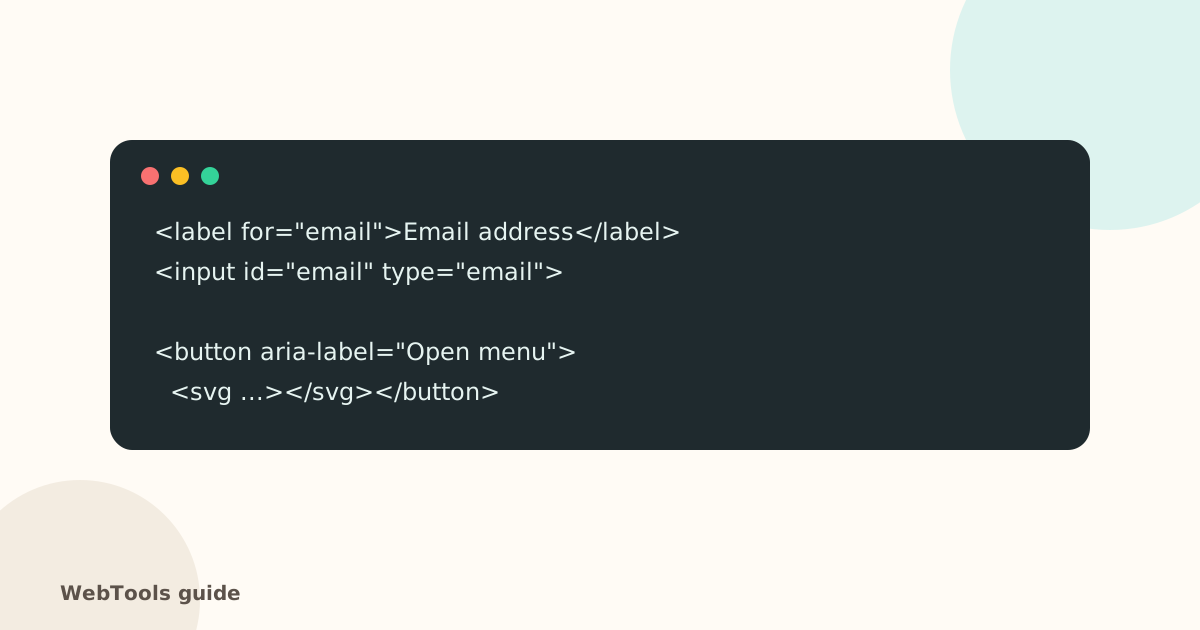 AccessibilityAccessible links, buttons and forms: quick fixes that help everyoneForm fields without labels, empty icon buttons and "click here" links confuse screen reader users. Learn the quick fixes that make your site usable for everyone.1 min read
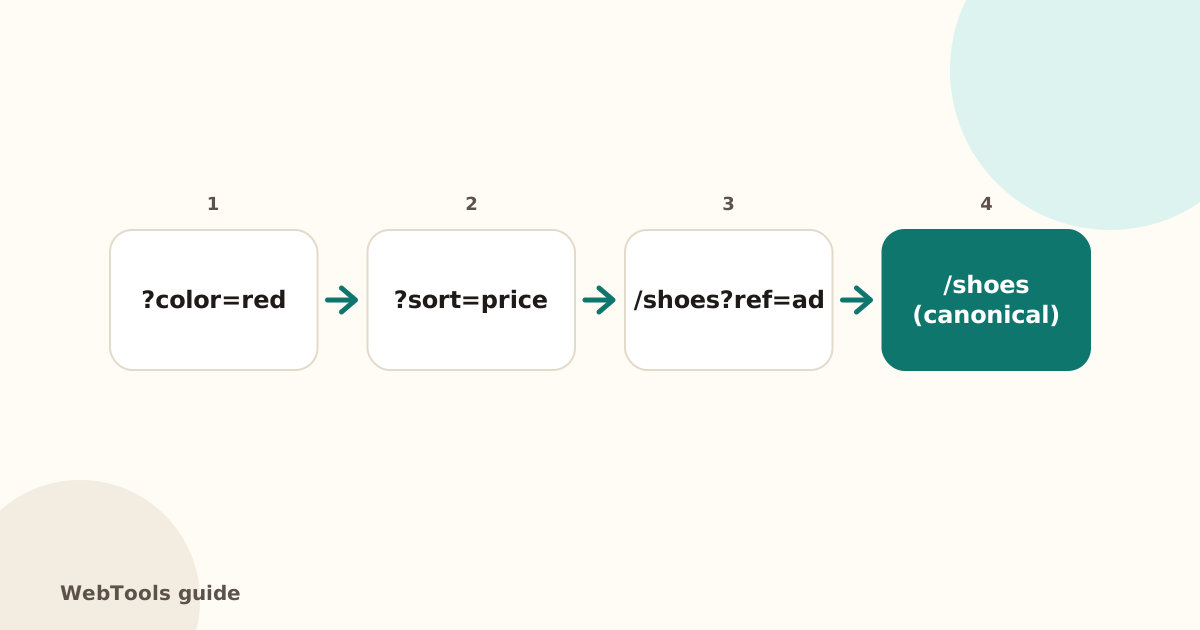 SEOCanonical tags: fix duplicate content the right wayA canonical tag tells Google which address is the main copy of a page. Learn when to use it, how to add it, and how to fix missing, wrong and duplicate canonicals.1 min read
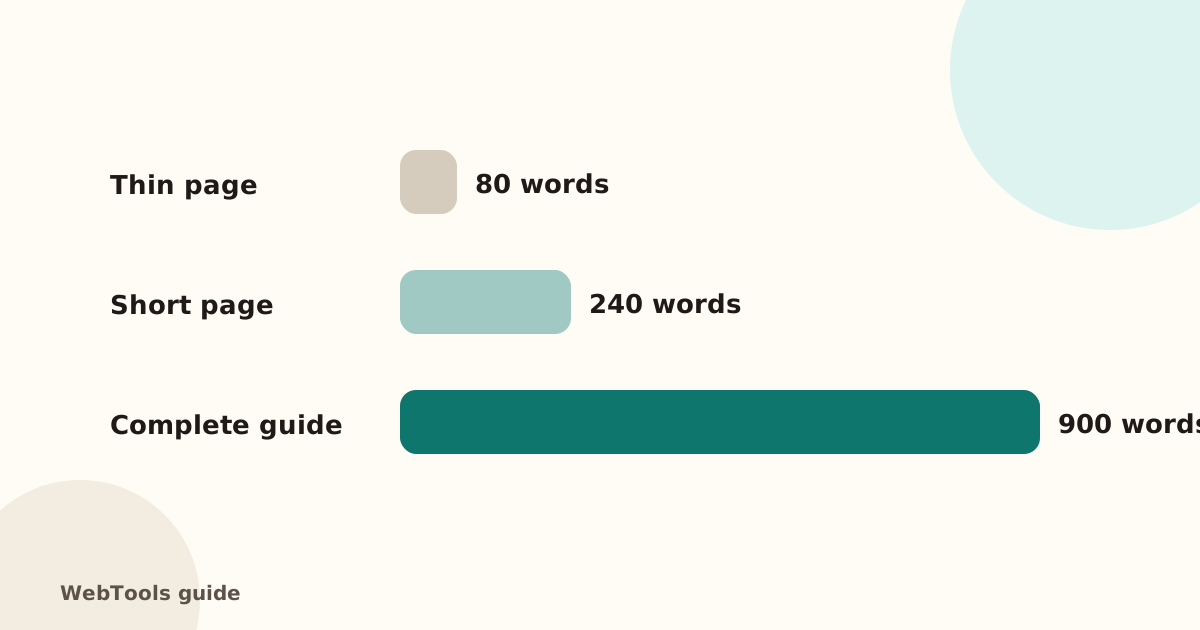 SEOThin content: how much text does a page need to rank?Pages with very little text rarely rank. Learn what thin content is, when short pages are fine, and how to expand or merge pages so they answer the searcher's question.1 min read
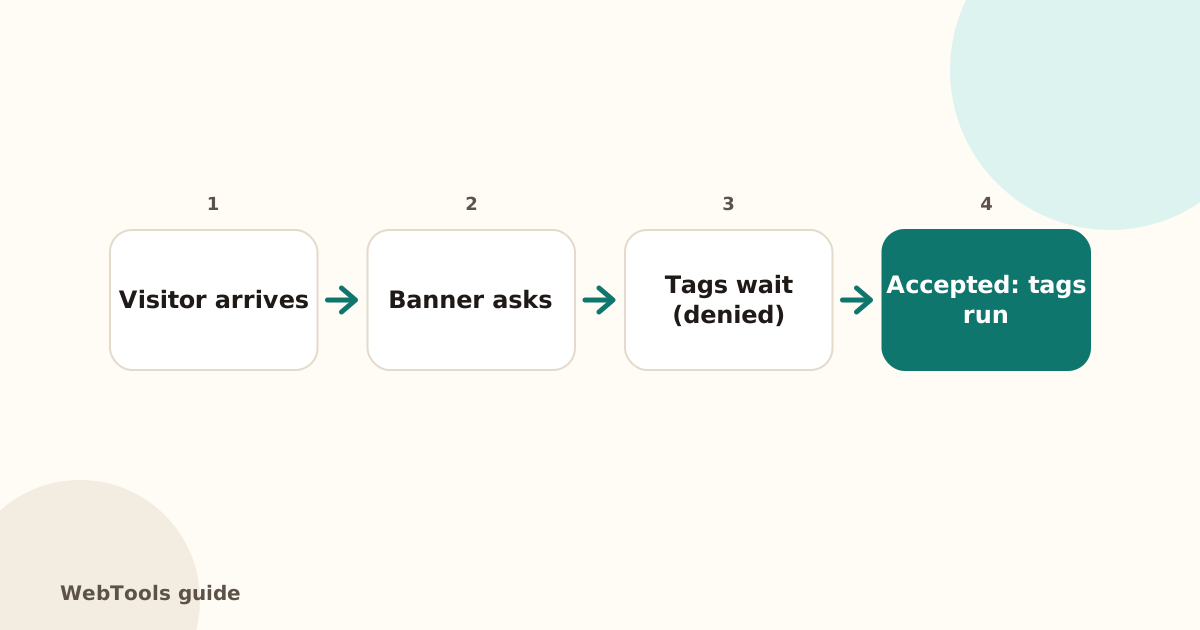 TrackingCookie consent and Google Consent Mode v2: what site owners needIn the EU and UK, analytics and ad tags need consent first. Learn what Google Consent Mode v2 is, how to set it up with a consent tool, and what to check.1 min read
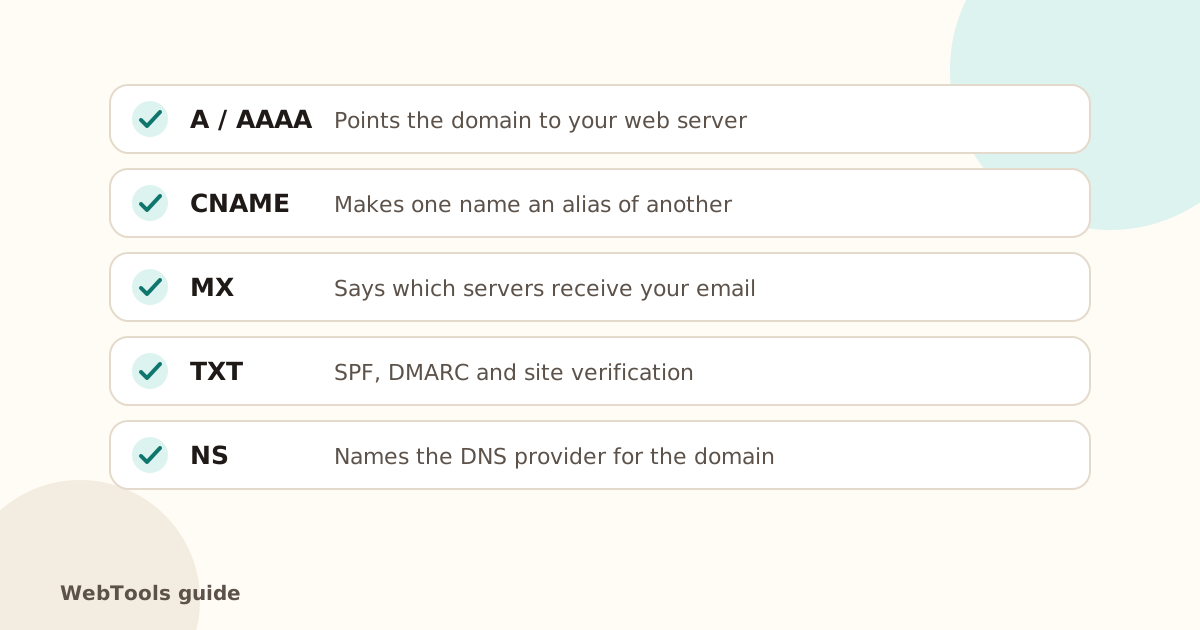 DNSDNS records explained: A, AAAA, CNAME, MX, TXT, NS and SOAWhat each DNS record does, what a healthy setup looks like, and how to fix the DNS problems that take websites and email offline.2 min read
 DomainsHow to check when your domain expires (and never lose it)Find your domain's expiry date, registrar and status with a WHOIS or RDAP lookup, turn on auto-renew, and avoid the expired-domain disasters that take sites offline.1 min read
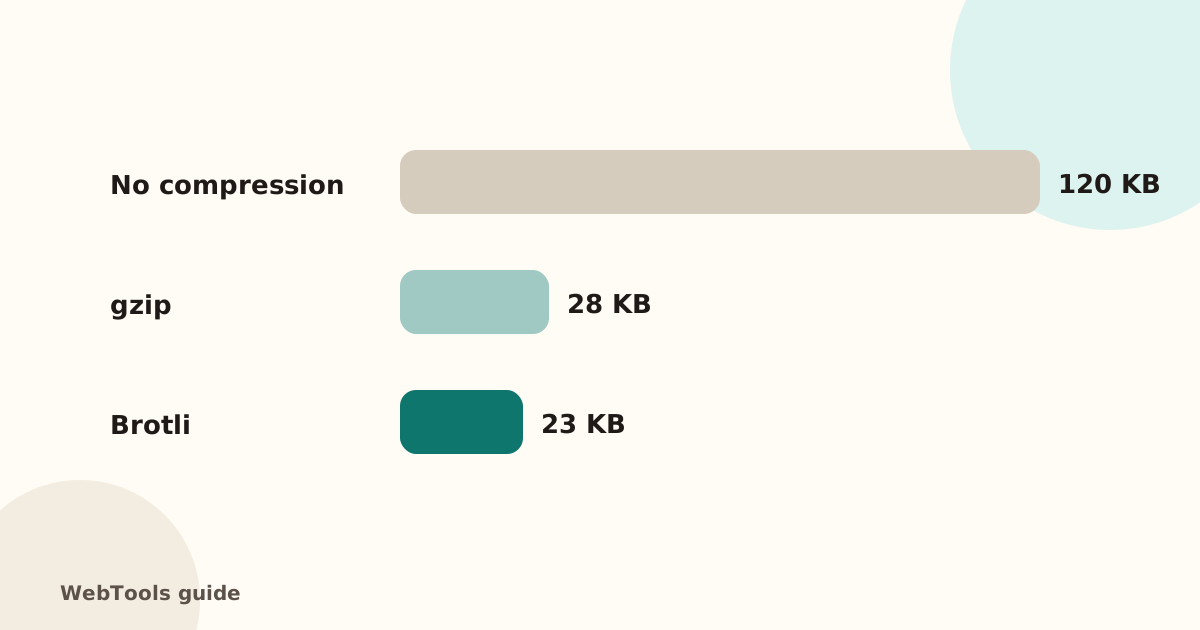 SpeedEnable gzip and Brotli compression to make pages load fasterCompression shrinks HTML, CSS and JavaScript by 70–80%. Learn how to turn on gzip or Brotli in Apache, Nginx, Cloudflare and WordPress, and how to check it works.1 min read
 SEOFavicon: add the small icon Google and browsers showA favicon appears in browser tabs, bookmarks and next to your site in Google's mobile results. See the sizes you need and how to add one in WordPress, Shopify and HTML.1 min read
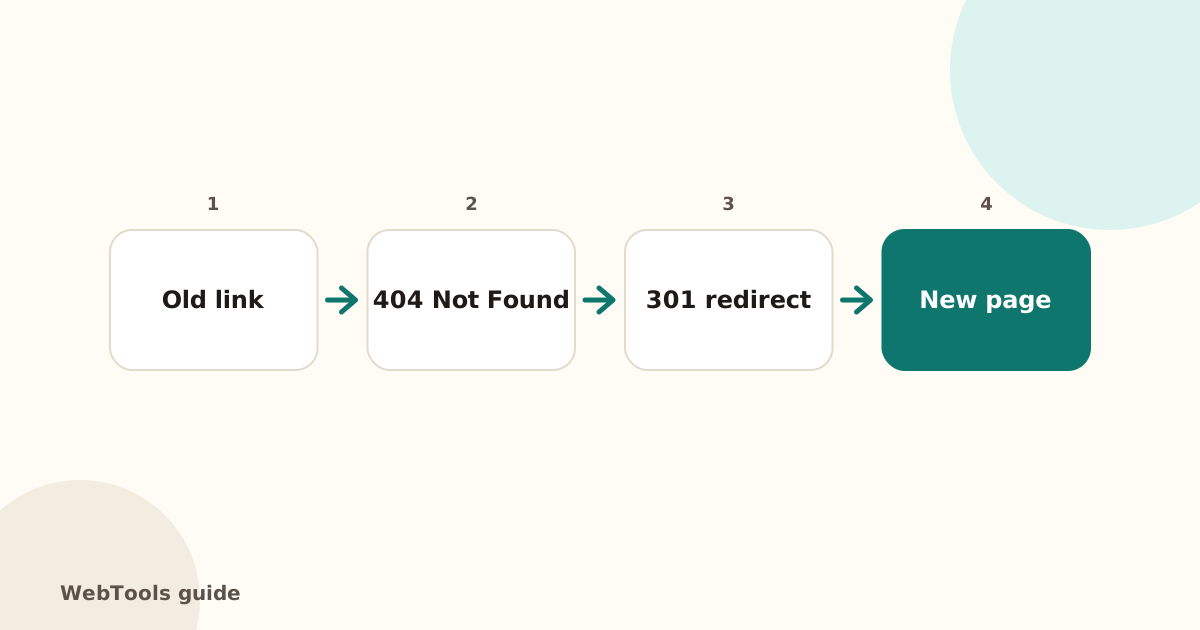 SEOHow to find and fix broken links and 404 errorsBroken links frustrate visitors and waste Google's crawl budget. Learn how to find broken internal and outgoing links, fix 404 and 500 errors, and set up 301 redirects.1 min read
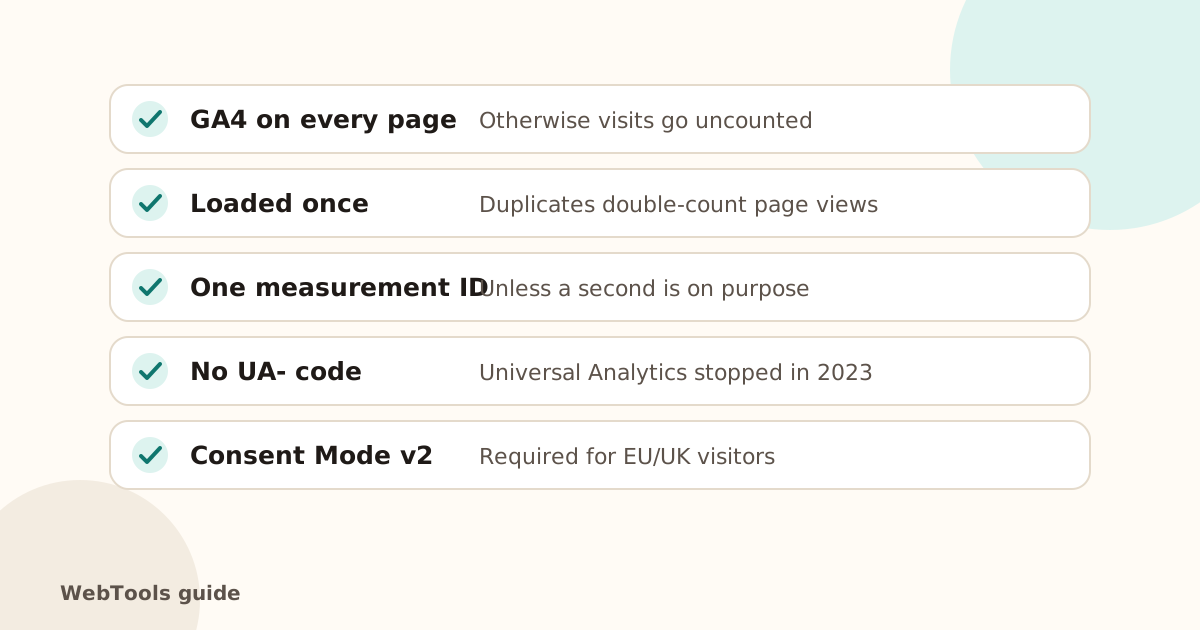 TrackingGoogle Analytics 4 setup check: missing, duplicate and old tagsMake sure GA4 is on every page, loaded once, and that old Universal Analytics code is gone. Learn how to install GA4 directly or with Google Tag Manager.1 min read
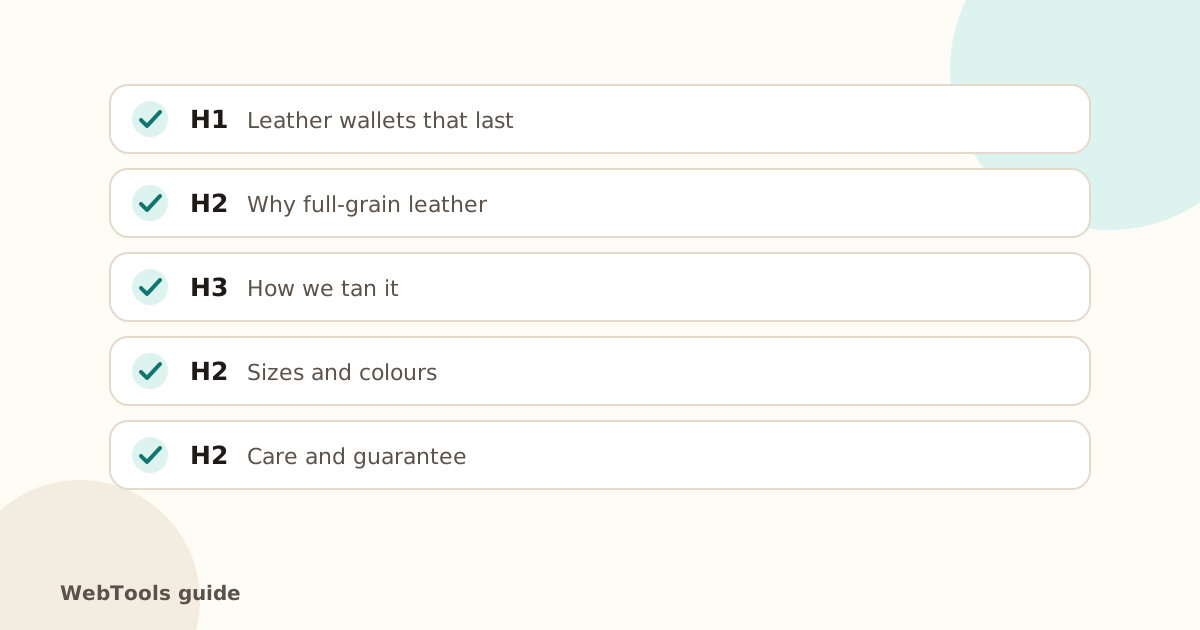 SEOH1 and heading structure: how to organise a page for SEOUse one clear H1 per page and headings in order (H1, H2, H3). Learn why heading structure matters for SEO and screen readers, and how to fix missing or multiple H1s.1 min read
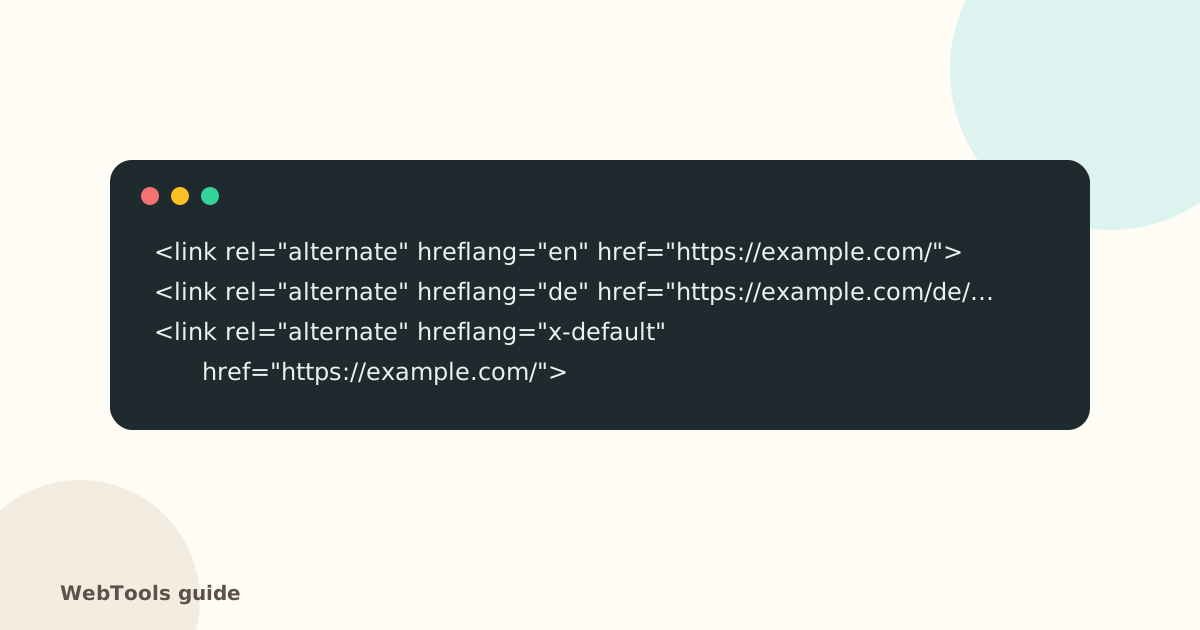 SEOhreflang: show the right language version in Googlehreflang tells Google which language or country version of a page to show. Learn the correct codes, the x-default rule and how to fix common hreflang errors.1 min read
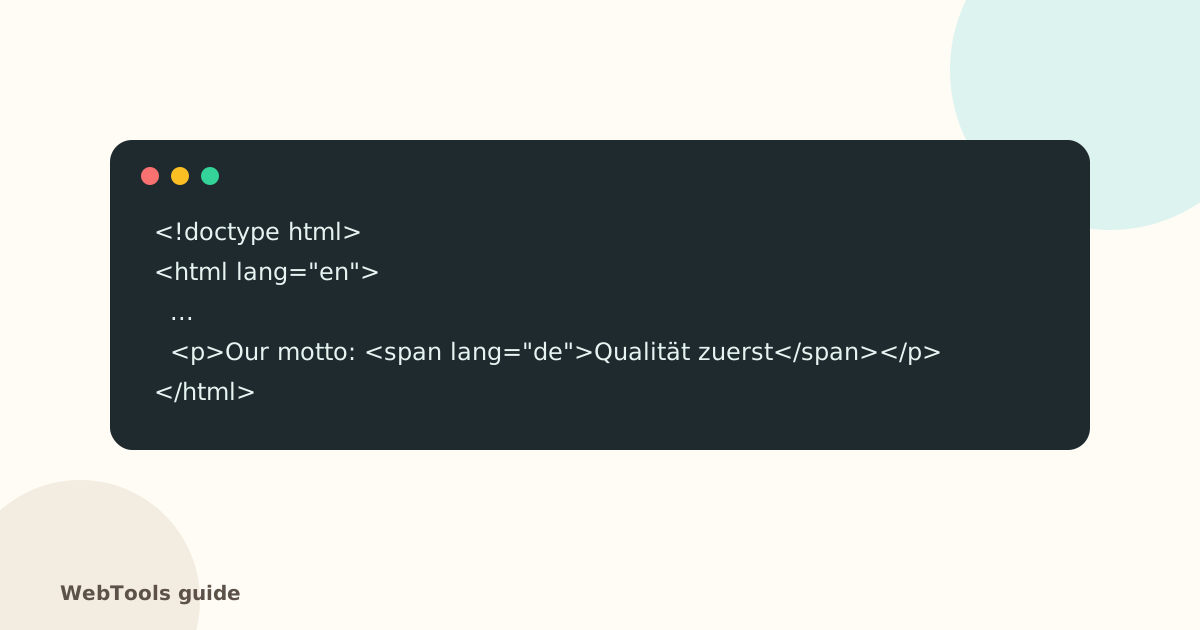 AccessibilityThe HTML lang attribute: why your page needs a languageThe lang attribute tells browsers, screen readers and translation tools which language your page is in. Learn how to set it correctly in WordPress, Shopify and HTML.1 min read
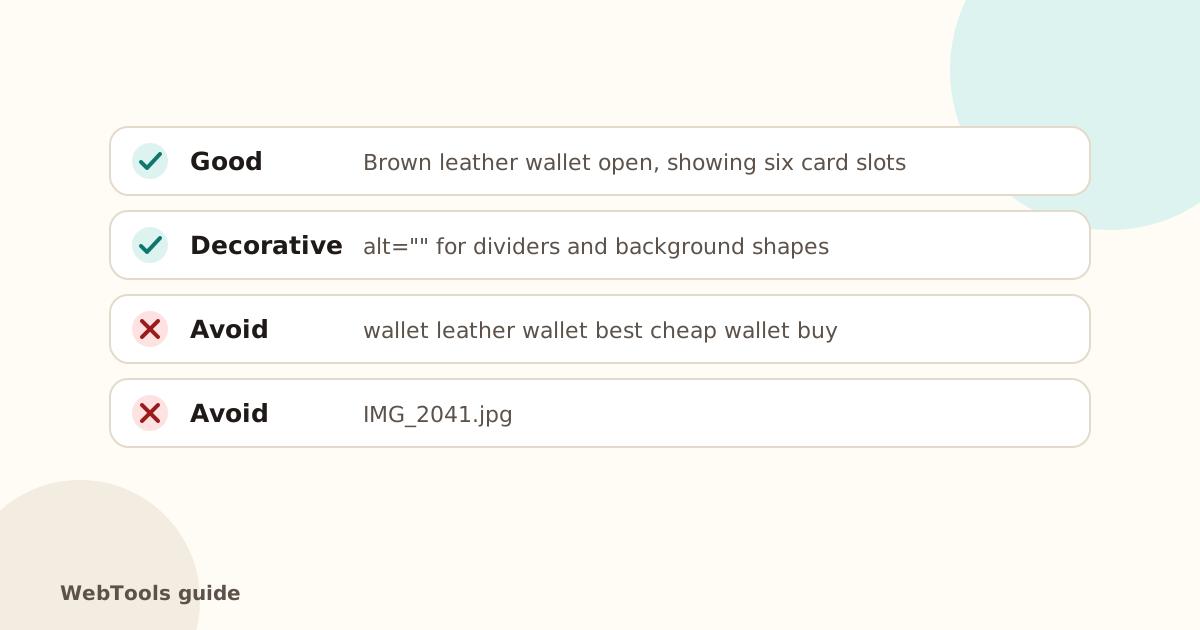 AccessibilityImage alt text: how to write it for SEO and accessibilityAlt text describes images for screen readers and Google Images. Learn how to write good alt text, when to leave it empty, and how to add it in WordPress, Shopify and Wix.1 min read
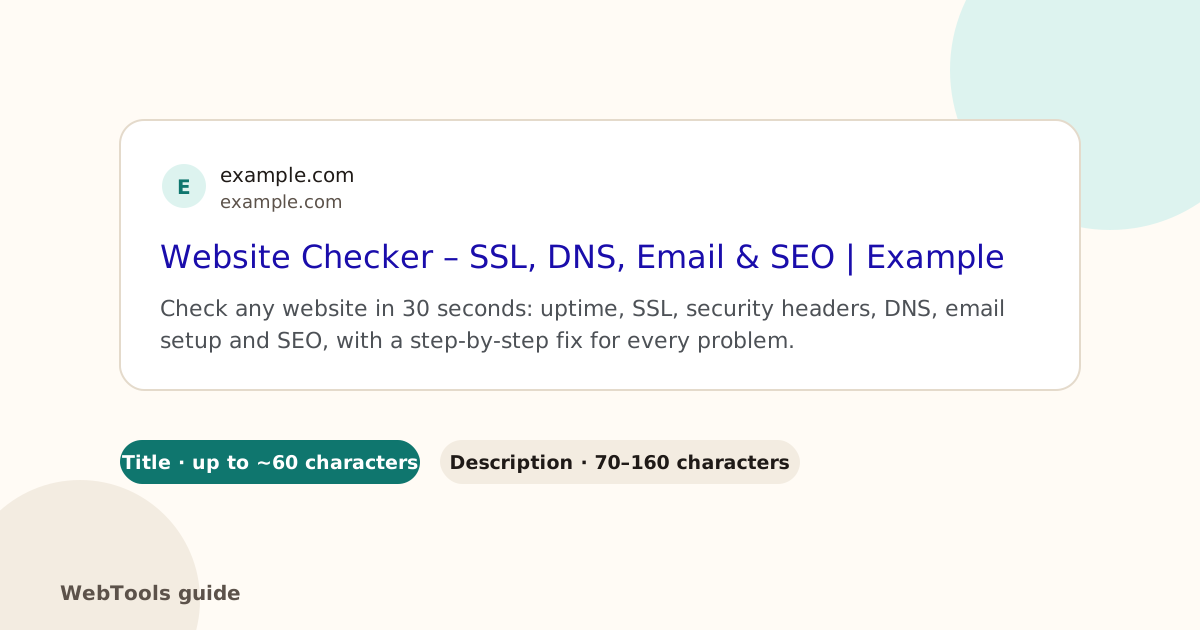 SEOMeta descriptions: how to write snippets that win the clickThe meta description is the text under your link in Google. See the ideal length, examples, and how to fix missing or duplicate descriptions in WordPress, Shopify and Wix.1 min read
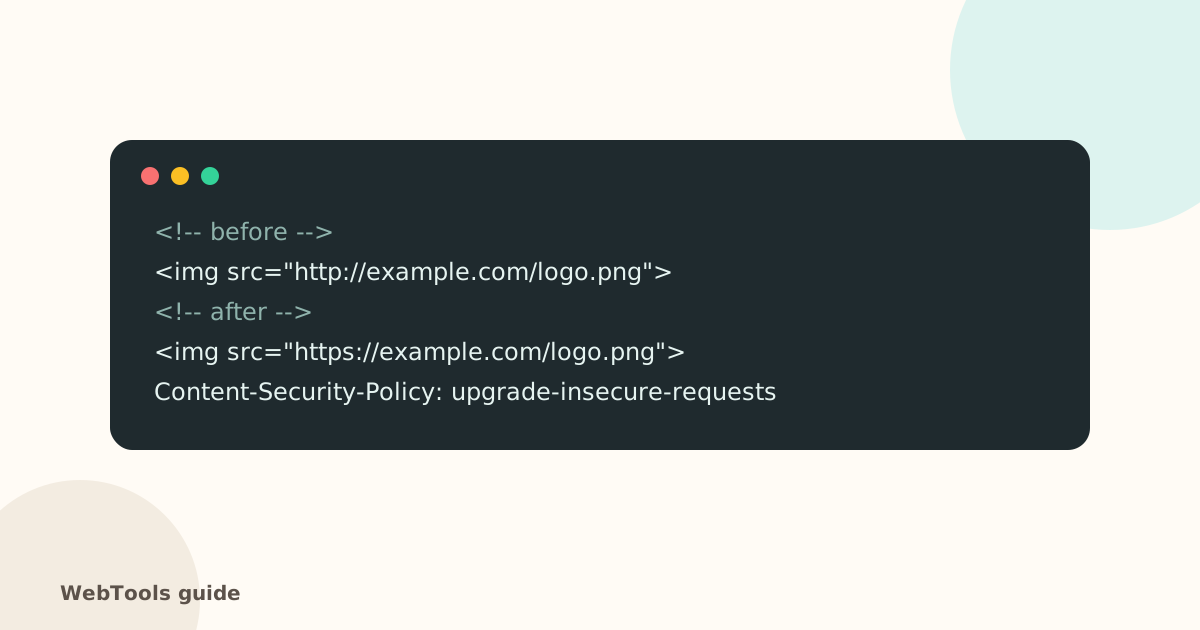 SecurityMixed content: how to fix "not secure" warnings on HTTPS pagesMixed content means an https page loads images, scripts or styles over http. Browsers block them and show "not secure". Here's how to find and fix every one.1 min read
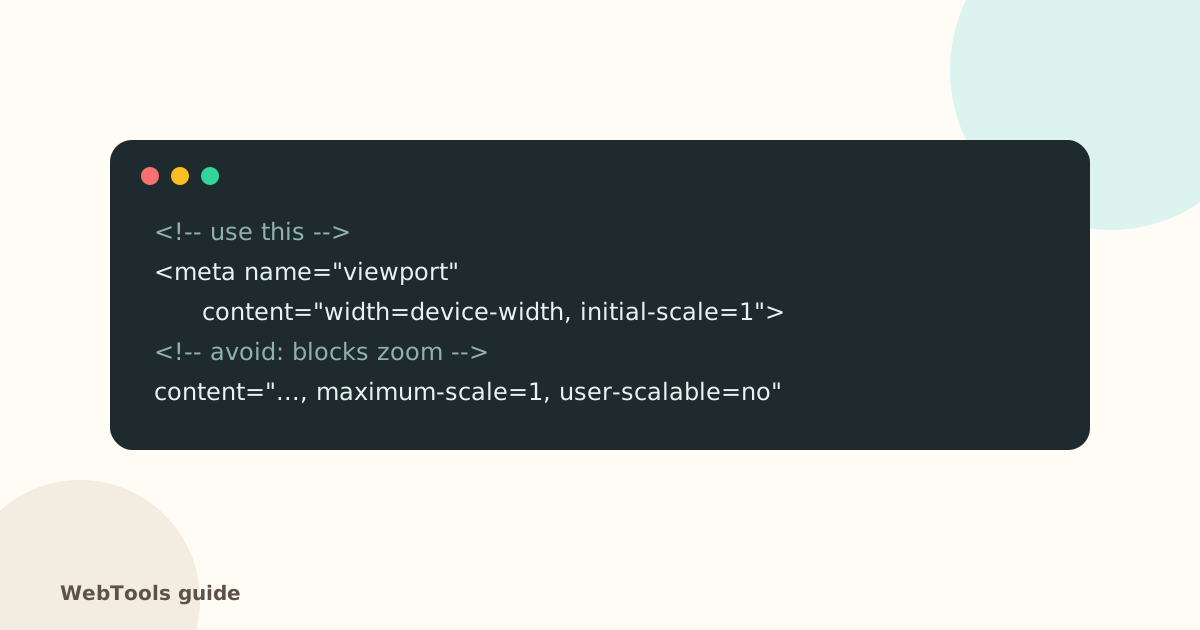 AccessibilityMobile-friendly pages: the viewport tag and zoomWithout a viewport meta tag, phones show a tiny desktop page. Learn the correct viewport tag, why you shouldn't block zoom, and how to check mobile-friendliness.1 min read
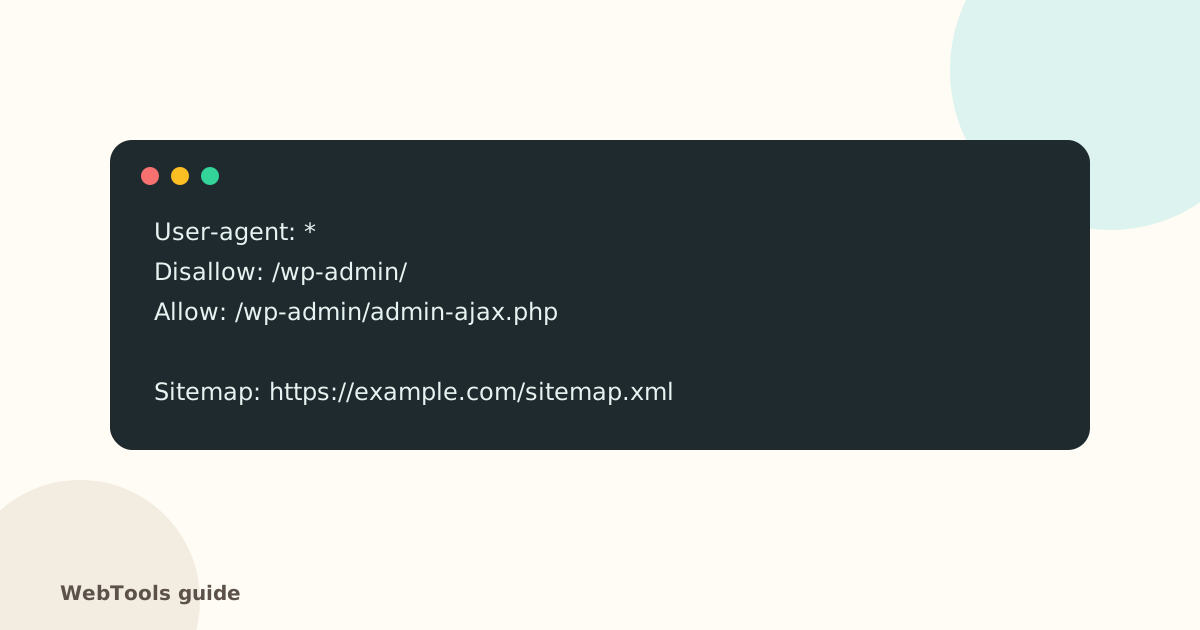 SEOnoindex and robots.txt: why your page isn't on GoogleA forgotten noindex tag or a wrong robots.txt rule can hide your whole site from Google. Learn how they work, how to find them and how to fix them safely.1 min read
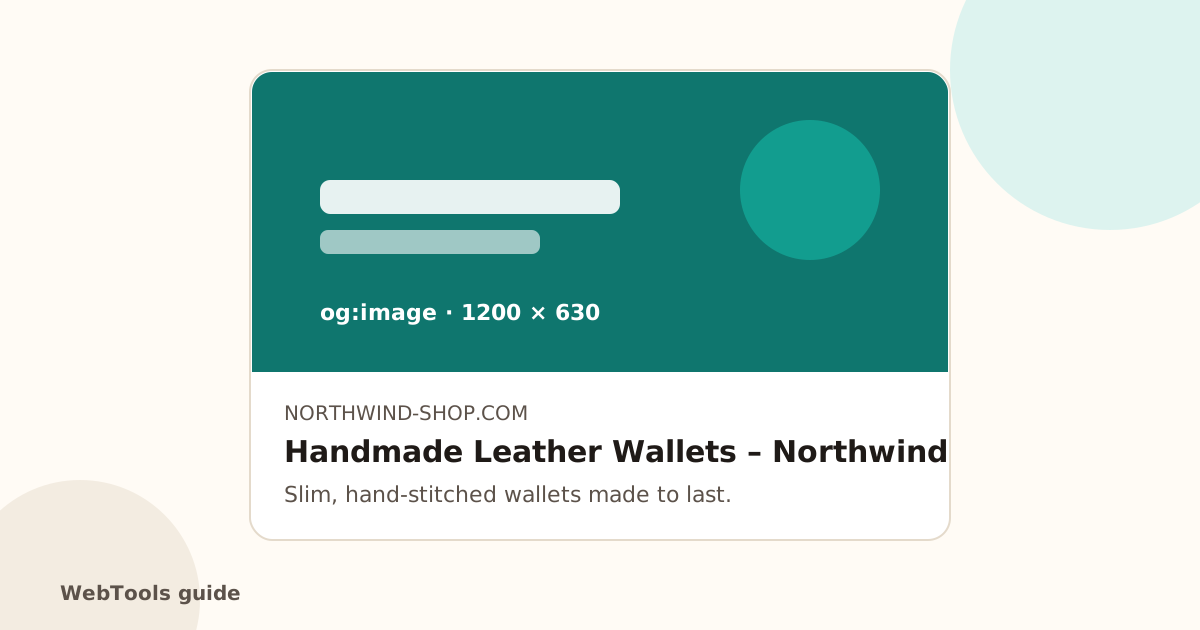 SEOOpen Graph and Twitter cards: control how links look when sharedOpen Graph tags decide the image, title and description shown when your page is shared on Facebook, LinkedIn, Slack and WhatsApp. Add them in minutes with this guide.1 min read
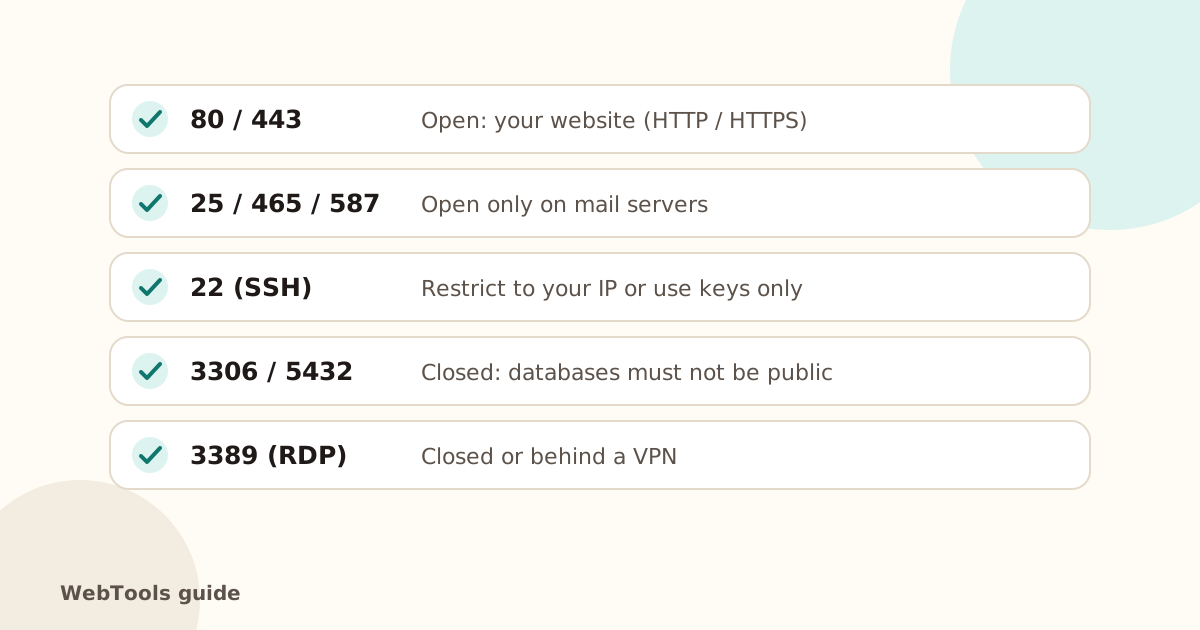 SecurityOpen ports, ping and traceroute: what your server shows the internetSee which ports your server answers on, why database and admin ports should be closed, and how ping and traceroute help diagnose slow or unreachable sites.1 min read
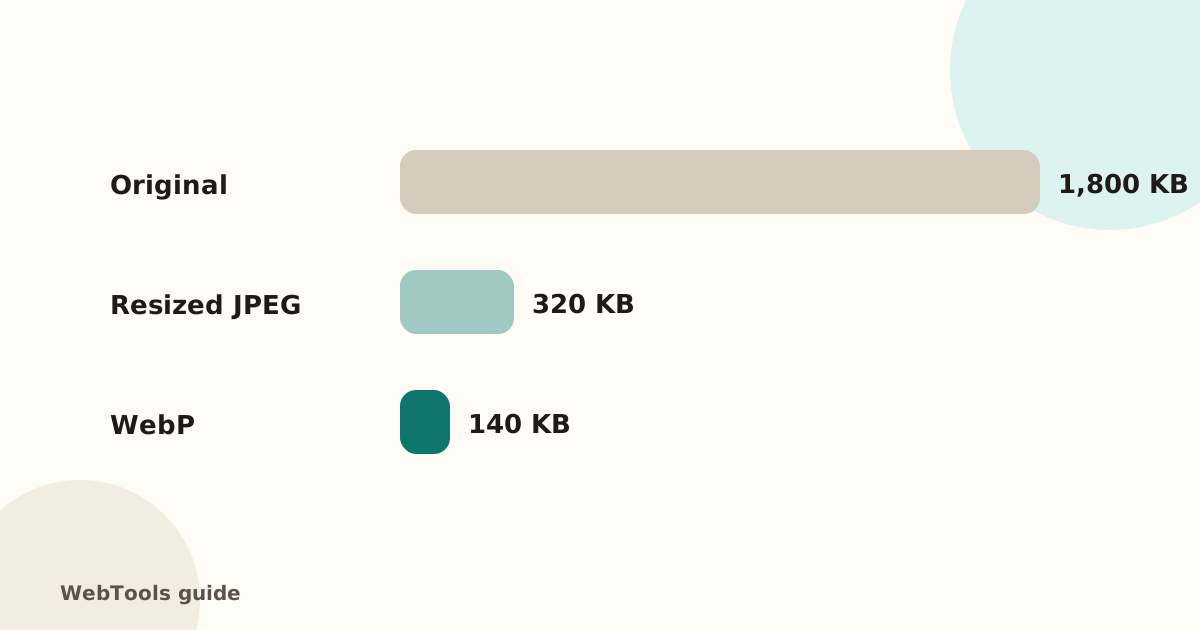 SpeedOptimise images for the web: size, WebP/AVIF and cachingHeavy images are the top reason pages load slowly. Learn how to resize and compress images, switch to WebP or AVIF, lazy-load them and set browser caching.1 min read
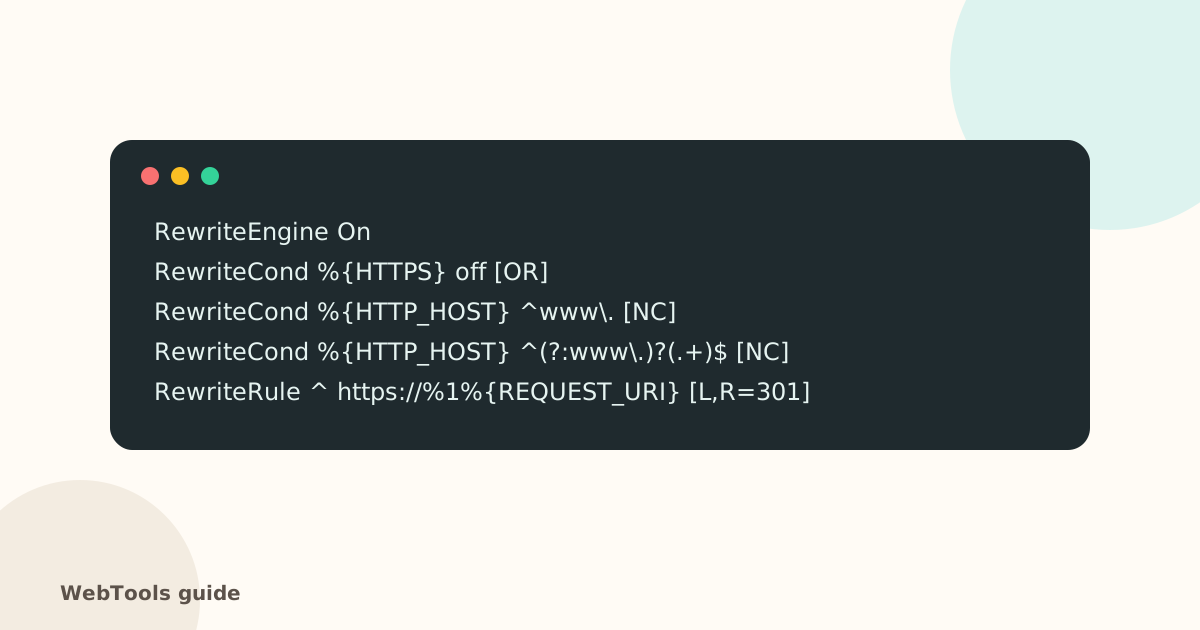 SecurityHow to redirect HTTP to HTTPS (and www to non-www) the right wayForce HTTPS with a single 301 redirect, pick www or non-www, and remove redirect chains. Copy-paste rules for Apache, Nginx, Cloudflare and WordPress.1 min read
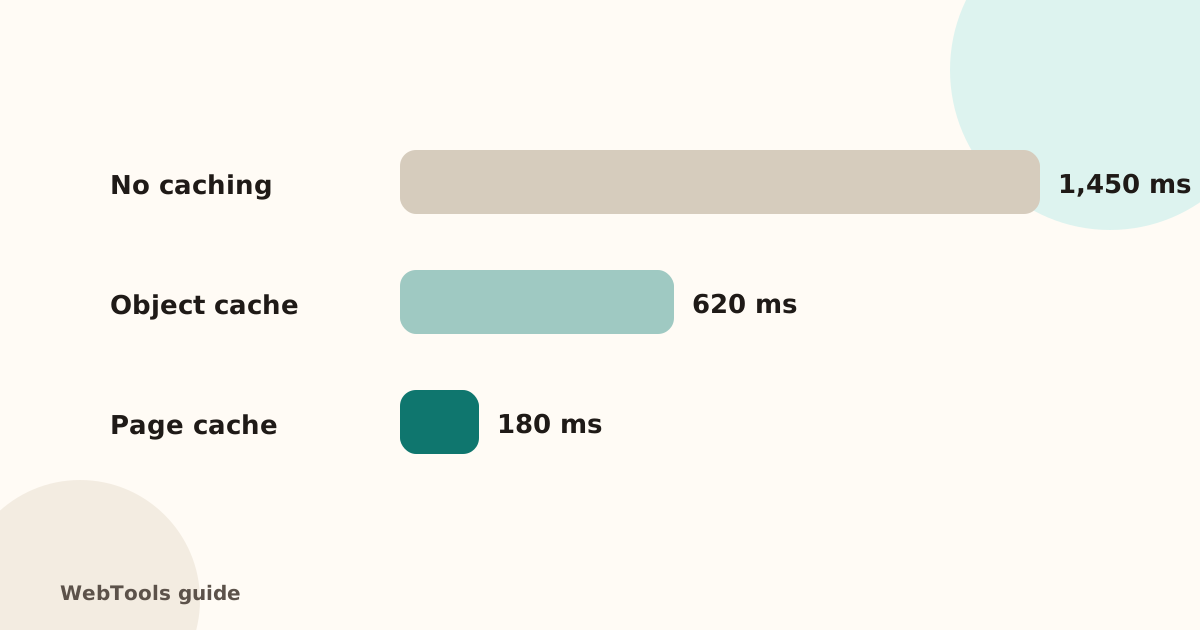 SpeedHow to reduce server response time (TTFB) below 800 msA slow server response (TTFB) delays every page. Learn what a good TTFB is and how to cut it with caching, a CDN, faster hosting and fewer slow plugins.2 min read
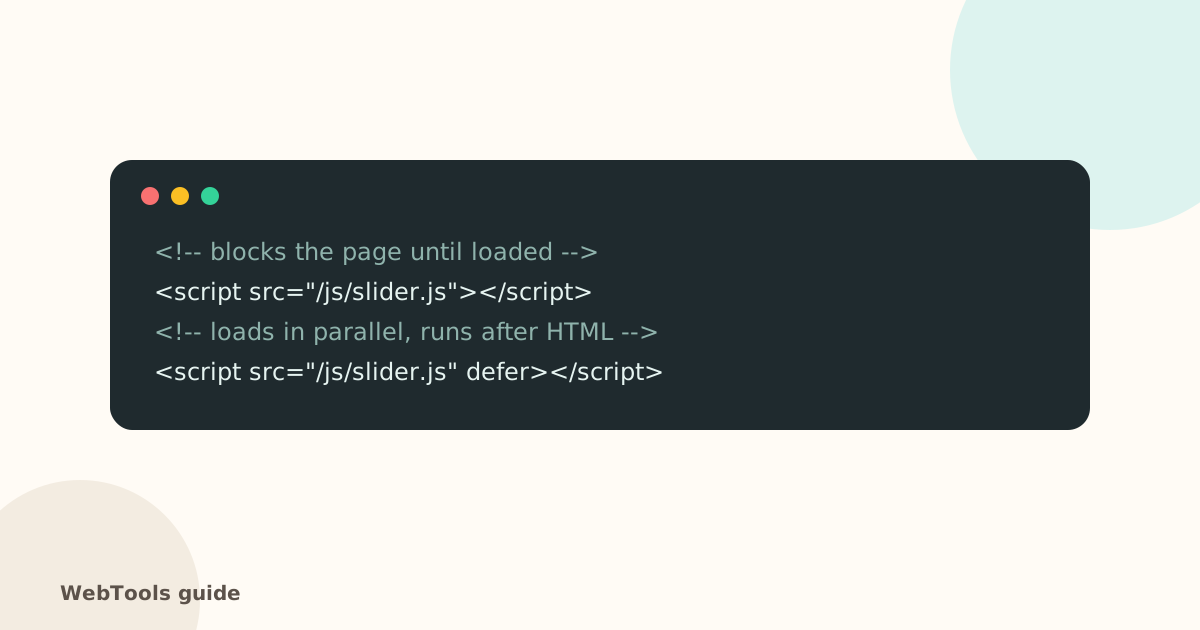 SpeedRender-blocking scripts: use defer and async to show pages soonerScripts in the page head without defer or async stop the page from appearing. Learn the difference between defer and async and how to trim third-party scripts.1 min read
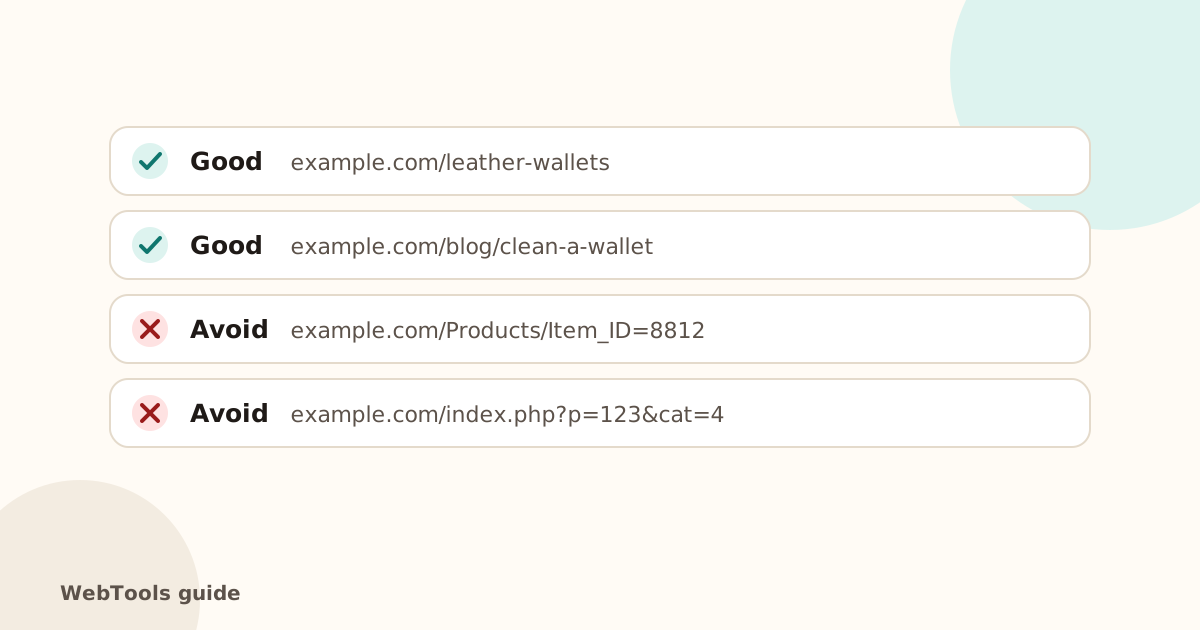 SEOSEO-friendly URLs: short, readable addresses that rankShort, lowercase URLs with hyphens are easier to read, share and rank. See good and bad examples and how to change URLs safely with 301 redirects.1 min read
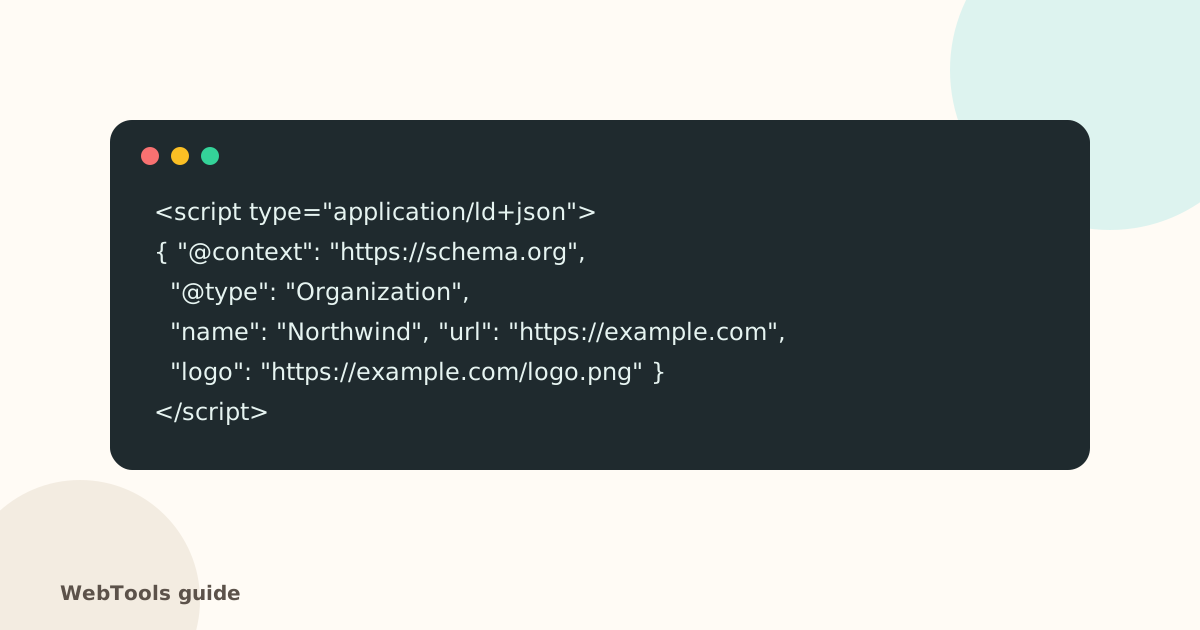 SEOStructured data (schema.org): a beginner's guide to rich resultsStructured data helps Google understand your pages and show rich results like logos, ratings, prices and FAQs. Learn which schema types to add and how to fix JSON-LD errors.1 min read
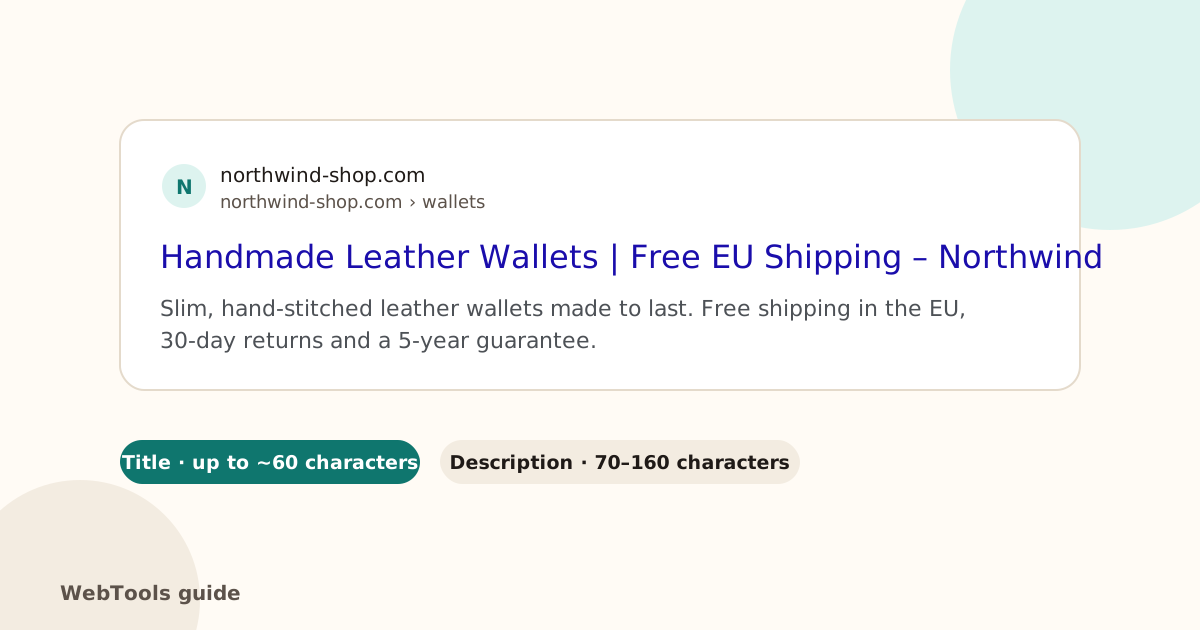 SEOTitle tags: how to write page titles that rank and get clicksThe title tag is the headline Google shows in search results. Learn the ideal length, how to fix missing and duplicate titles, and see examples that get clicks.1 min read
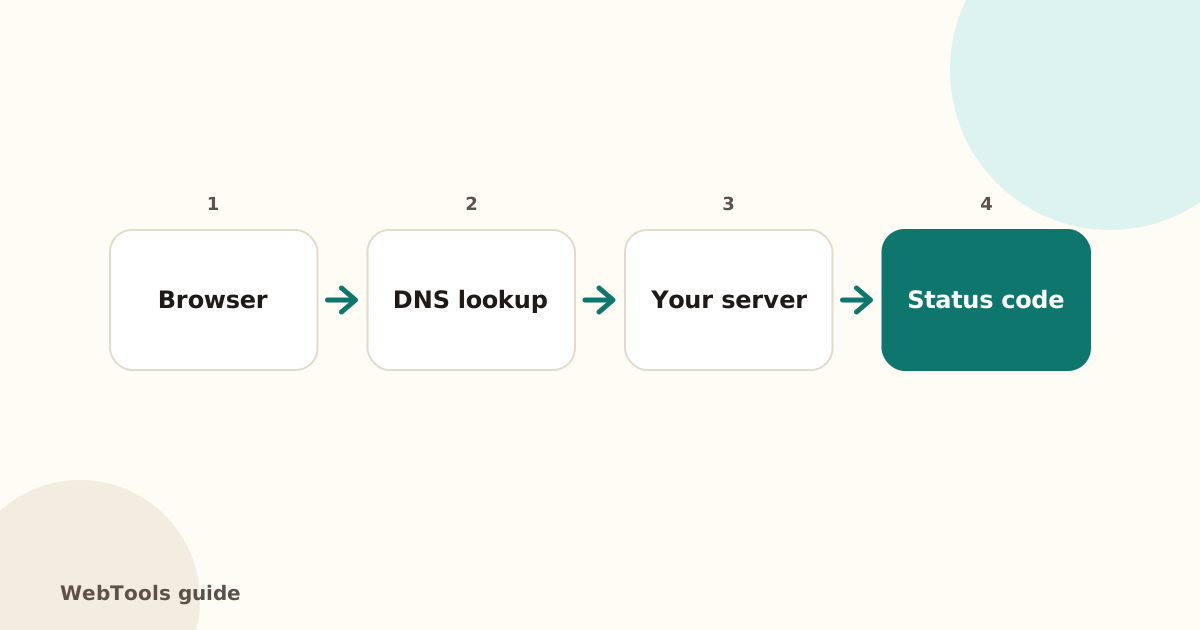 UptimeIs my website down? A 10-minute checklist to find out whyWebsite not loading? Check if it's down for everyone, read the HTTP status code, and fix the most common causes: DNS, hosting, SSL and server errors.2 min read
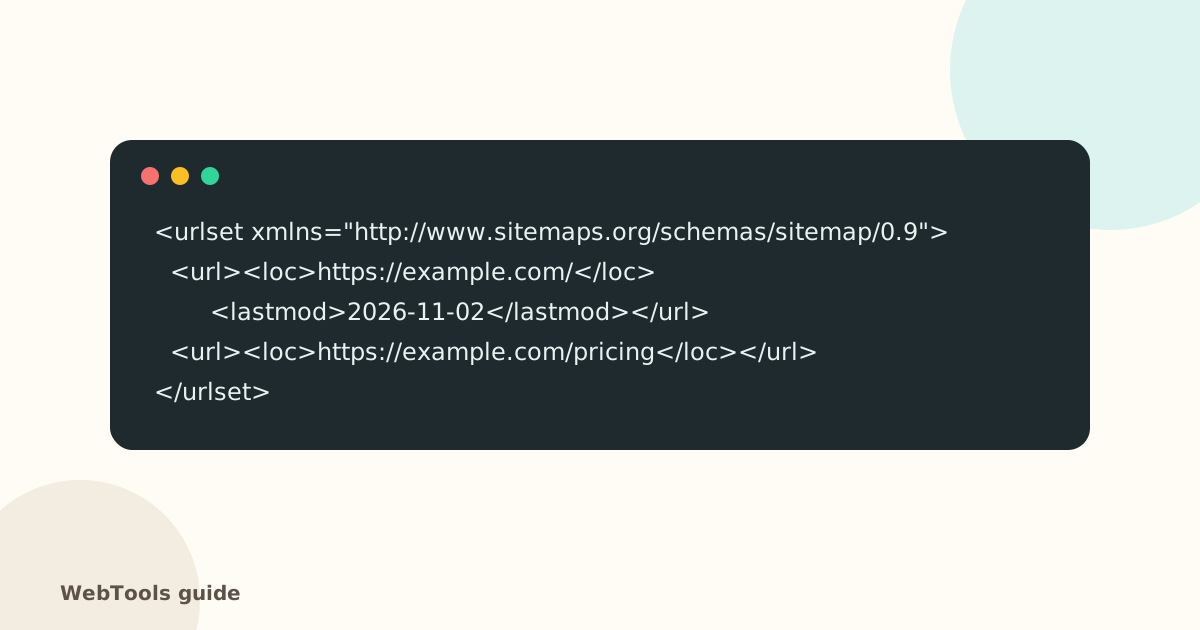 SEOXML sitemaps: how to create one and submit it to GoogleAn XML sitemap helps search engines find every page. Learn how to create one in WordPress, Shopify and Wix, fix pages that are missing or broken, and submit it to Google.1 min readEmail deliverabilityHow to set up DMARC (and stop landing in spam)What SPF, DKIM and DMARC do, the exact DNS records to add, and how to move from monitoring to protection without losing real email.1 min readSecurityYour SSL certificate expired. Here is what to doWhy browsers suddenly warn visitors away from your site, how to renew an SSL certificate, and how to make sure it never happens again.1 min readSecuritySecurity headers explained for site ownersWhat HSTS, Content-Security-Policy and the other security headers do, which ones matter for a small business site, and how to add them.1 min read
No guides match. Try a shorter word.