DNS records explained: A, AAAA, CNAME, MX, TXT, NS and SOA
What each DNS record does, what a healthy setup looks like, and how to fix the DNS problems that take websites and email offline.
By the WebTools team · Published 2026-11-10 · 2 min read
DNS is the phone book of the internet. It turns your domain name into the addresses of your web and email servers. When a record is missing or wrong, your site or email simply stops working, so it's worth knowing what each one does.
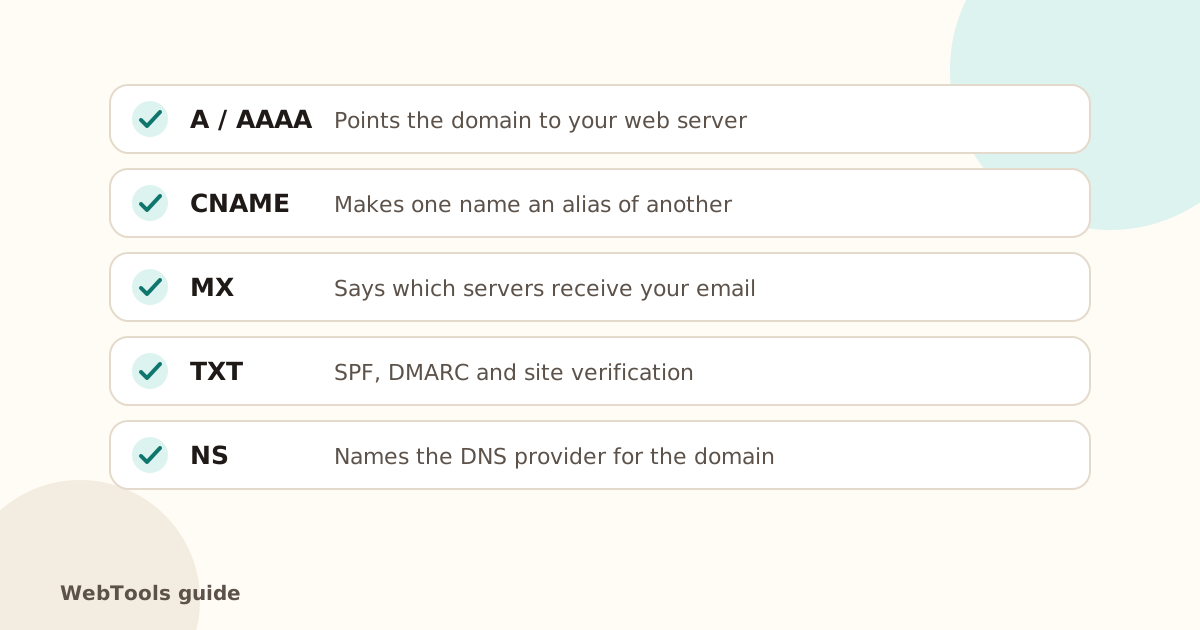
The records that matter
- A record: points the domain to an IPv4 address (your web server). Without it, the site can't be found.
- AAAA record: the same for IPv6.
- CNAME: makes one name an alias of another, for example www pointing to the root domain or to a hosting platform. A name with a CNAME can't have other records.
- MX: lists the servers that receive email for the domain, with priorities (lower number = tried first).
- TXT: free text, used for SPF, DMARC, DKIM and ownership checks (Google, Microsoft).
- NS: the nameservers, meaning which company answers DNS questions for your domain.
- SOA: technical details of the zone, such as the serial number and default timings.
Healthy setup checklist
- The root domain has an A record (and AAAA if your host supports IPv6).
- www has an A record or a CNAME to the root or host.
- At least two nameservers, ideally on different networks.
- MX records exist if you use email on the domain.
- One SPF TXT record, plus DMARC. See how to set up SPF, DKIM and DMARC.
Common problems and fixes
- Domain doesn't resolve: check the domain hasn't expired (domain expiry guide) and that the nameservers at your registrar match your DNS provider.
- Site moved but old one still shows: the A record still points to the old IP, or the old TTL hasn't expired yet.
- Email stopped after a website move: the new DNS zone is missing the MX records. Copy them over from the old provider.
- Two SPF records: only one is allowed. Merge them into a single TXT record.
Check your records
The website checker lists your A, AAAA, NS, SOA, CNAME and TXT records and the reverse DNS of your server, so you can compare them with what your host expects.
Questions about this topic
How long do DNS changes take?
Usually minutes, but up to 48 hours in the worst case, depending on the TTL (time to live) of the old record. Lower the TTL a day before a planned move.
Do I need an AAAA record?
Not strictly, but an AAAA (IPv6) record lets visitors on IPv6-only networks reach you directly. Only add it if your host gives you an IPv6 address.
What is reverse DNS?
A PTR record that maps an IP address back to a name. It matters mostly for mail servers; your hosting provider sets it, not your DNS zone.
Related guides
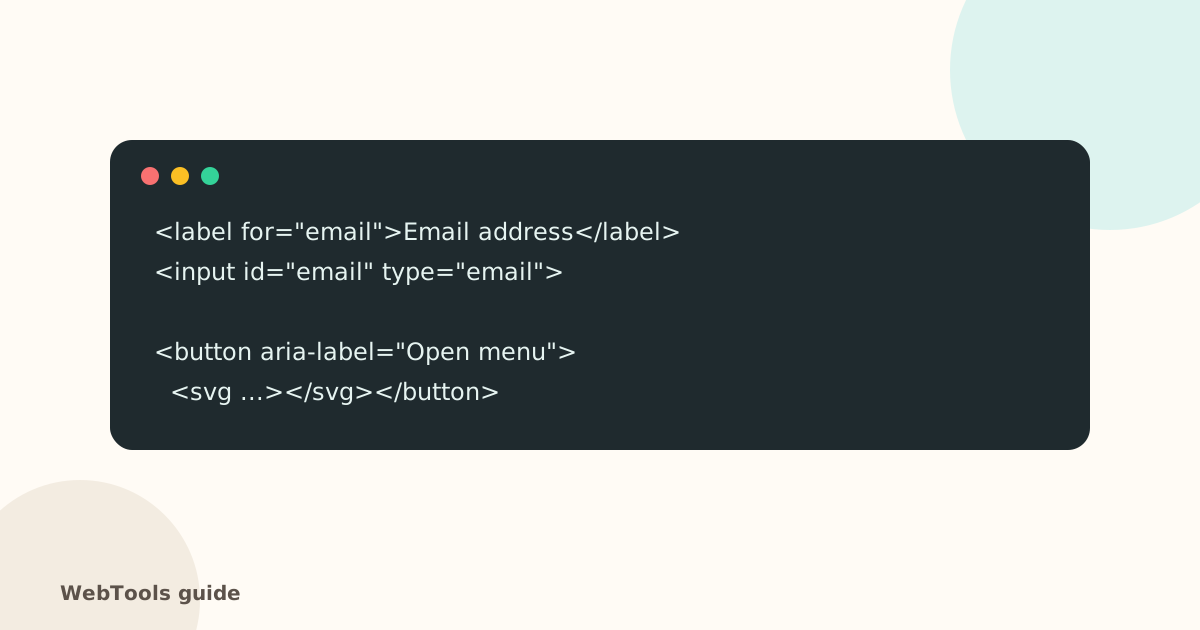 AccessibilityAccessible links, buttons and forms: quick fixes that help everyoneForm fields without labels, empty icon buttons and "click here" links confuse screen reader users. Learn the quick fixes that make your site usable for everyone.1 min read
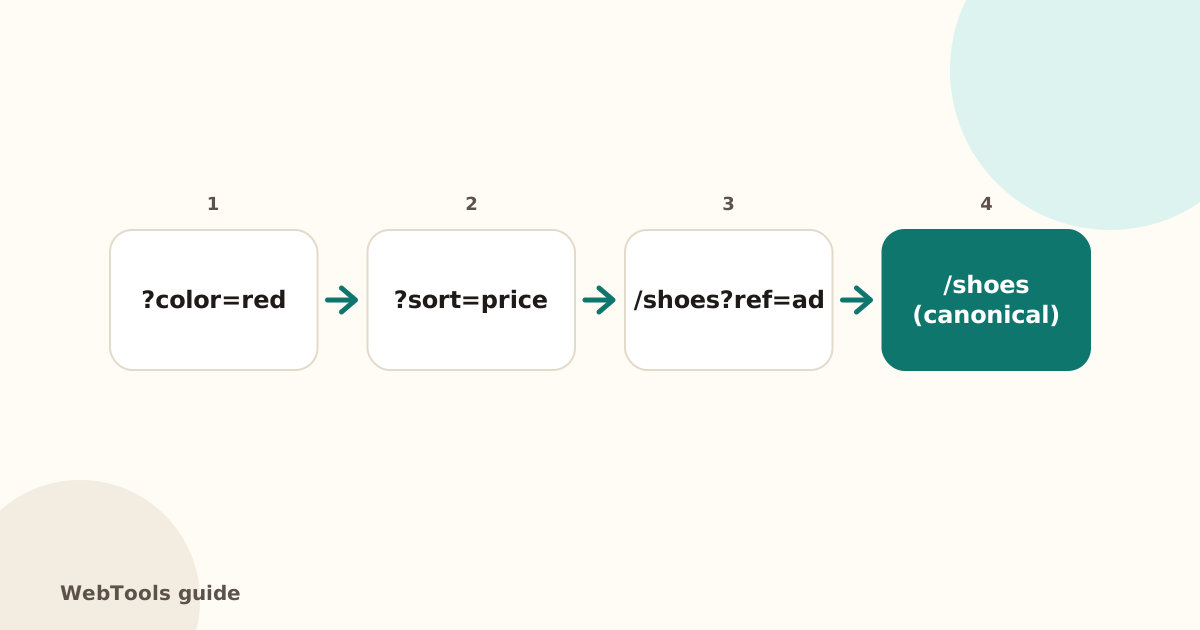 SEOCanonical tags: fix duplicate content the right wayA canonical tag tells Google which address is the main copy of a page. Learn when to use it, how to add it, and how to fix missing, wrong and duplicate canonicals.1 min read
 SEOThin content: how much text does a page need to rank?Pages with very little text rarely rank. Learn what thin content is, when short pages are fine, and how to expand or merge pages so they answer the searcher's question.1 min read