Favicon: add the small icon Google and browsers show
A favicon appears in browser tabs, bookmarks and next to your site in Google's mobile results. See the sizes you need and how to add one in WordPress, Shopify and HTML.
By the WebTools team · Published 2026-11-10 · 1 min read
The favicon is the small icon next to your page title in browser tabs, bookmarks and Google's mobile search results. Without one, your result shows a generic globe, which looks unfinished next to competitors.

What you need
- A square icon, simple enough to recognise at 16 pixels: usually your logo mark, not the full logo.
- At least 48 × 48 pixels for Google; 512 × 512 as your source file.
- An apple-touch-icon of 180 × 180 pixels for iPhone home screens.
How to add it
- WordPress: Appearance → Customize → Site Identity → Site Icon (upload 512 × 512).
- Shopify: Online Store → Themes → Customize → Theme settings → Favicon.
- Wix and Squarespace: in the site's general or design settings.
- HTML: add link tags with rel="icon" (for your PNG or SVG) and rel="apple-touch-icon" in the page head.
Check it
Open your site in a new tab and look at the tab icon. The SEO audit checks that the homepage declares an icon.
Questions about this topic
Why doesn't Google show my favicon?
Google needs a favicon at least 48 × 48 pixels, on the homepage, that Googlebot is allowed to crawl. It can take a few weeks to appear after you add it.
Can I use an SVG favicon?
Yes, modern browsers support SVG favicons. Keep a PNG or ICO as a fallback for older browsers and for Google.
Related guides
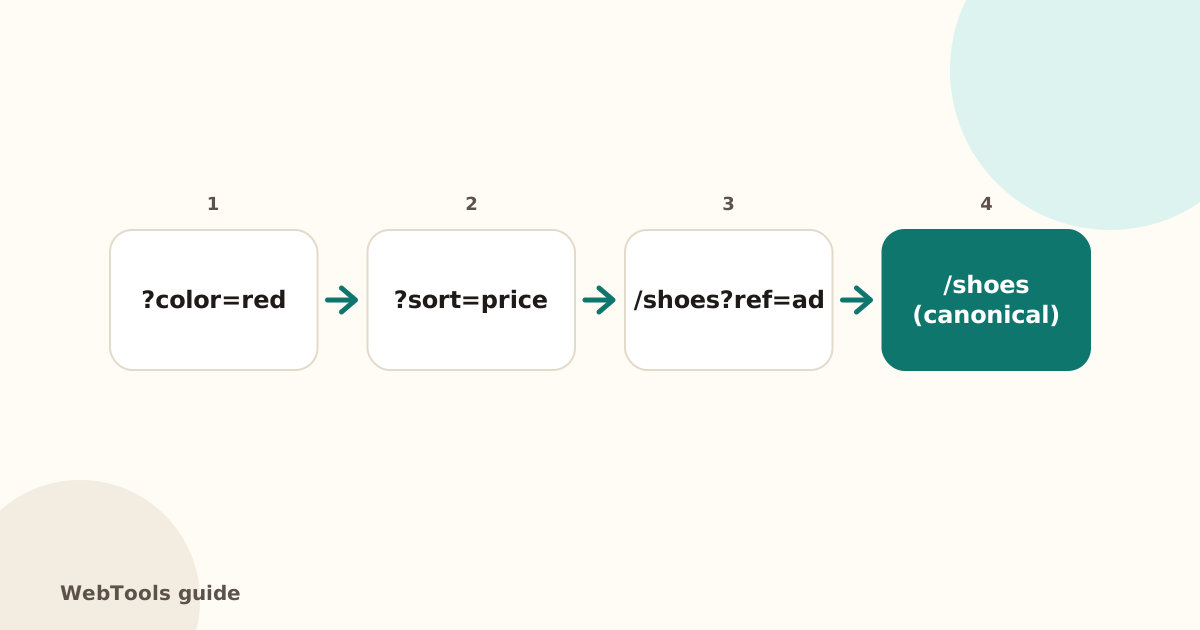 SEOCanonical tags: fix duplicate content the right wayA canonical tag tells Google which address is the main copy of a page. Learn when to use it, how to add it, and how to fix missing, wrong and duplicate canonicals.1 min read
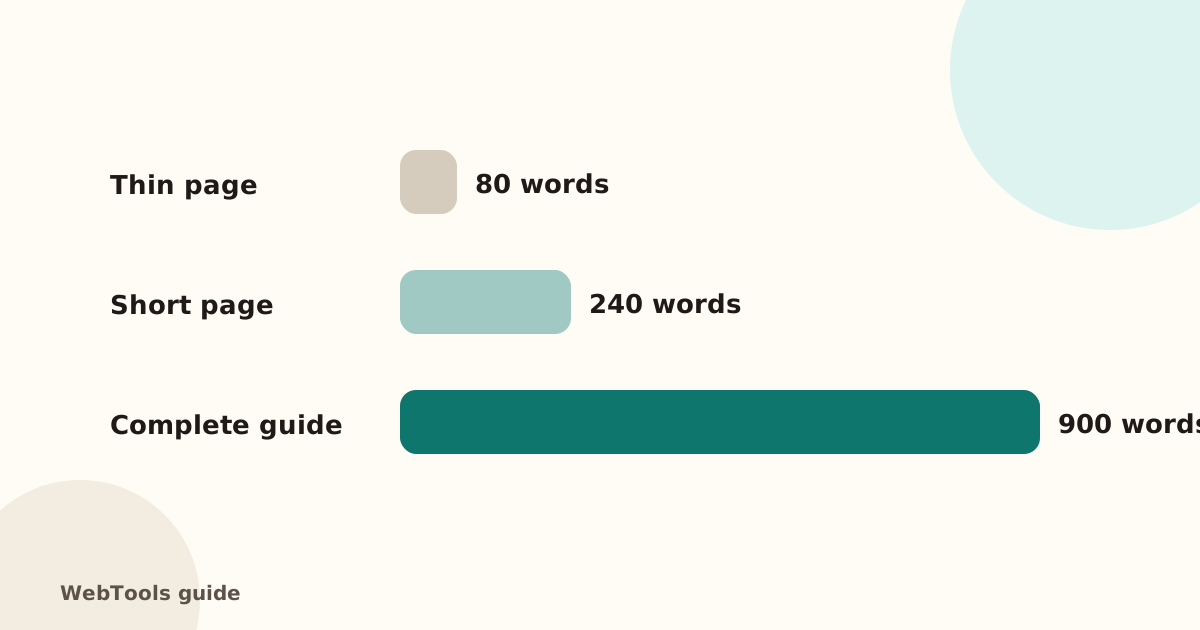 SEOThin content: how much text does a page need to rank?Pages with very little text rarely rank. Learn what thin content is, when short pages are fine, and how to expand or merge pages so they answer the searcher's question.1 min read
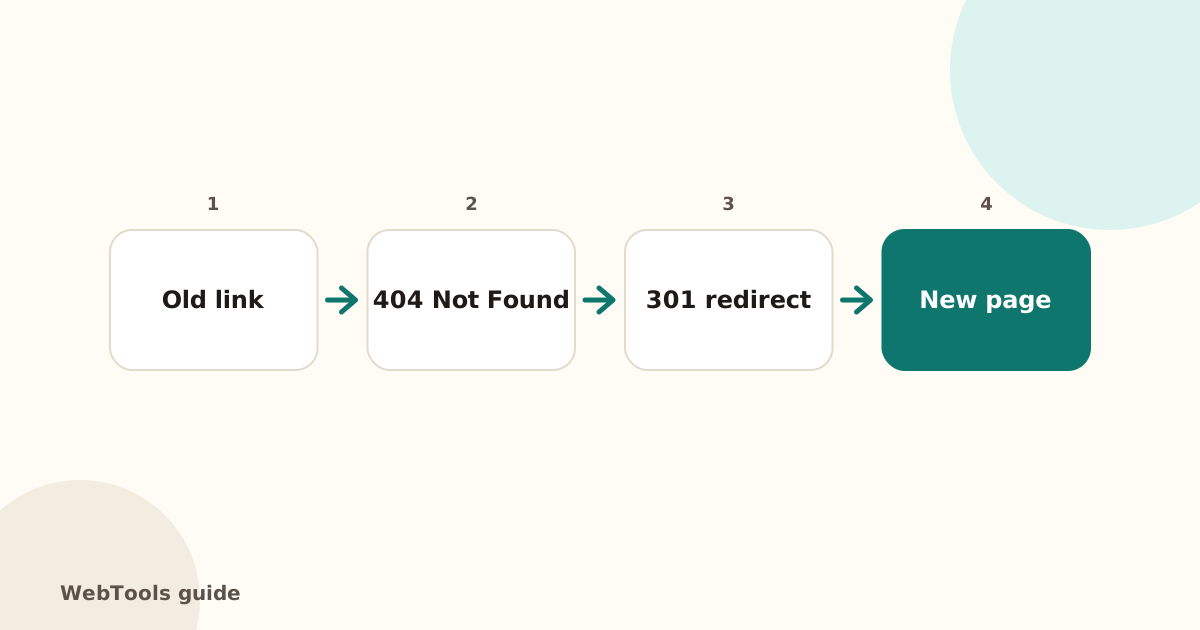 SEOHow to find and fix broken links and 404 errorsBroken links frustrate visitors and waste Google's crawl budget. Learn how to find broken internal and outgoing links, fix 404 and 500 errors, and set up 301 redirects.1 min read