noindex and robots.txt: why your page isn't on Google
A forgotten noindex tag or a wrong robots.txt rule can hide your whole site from Google. Learn how they work, how to find them and how to fix them safely.
By the WebTools team · Published 2026-11-10 · 1 min read
If a page isn't showing up in Google, the most common reason isn't bad SEO. It's a single line that tells search engines to stay away.
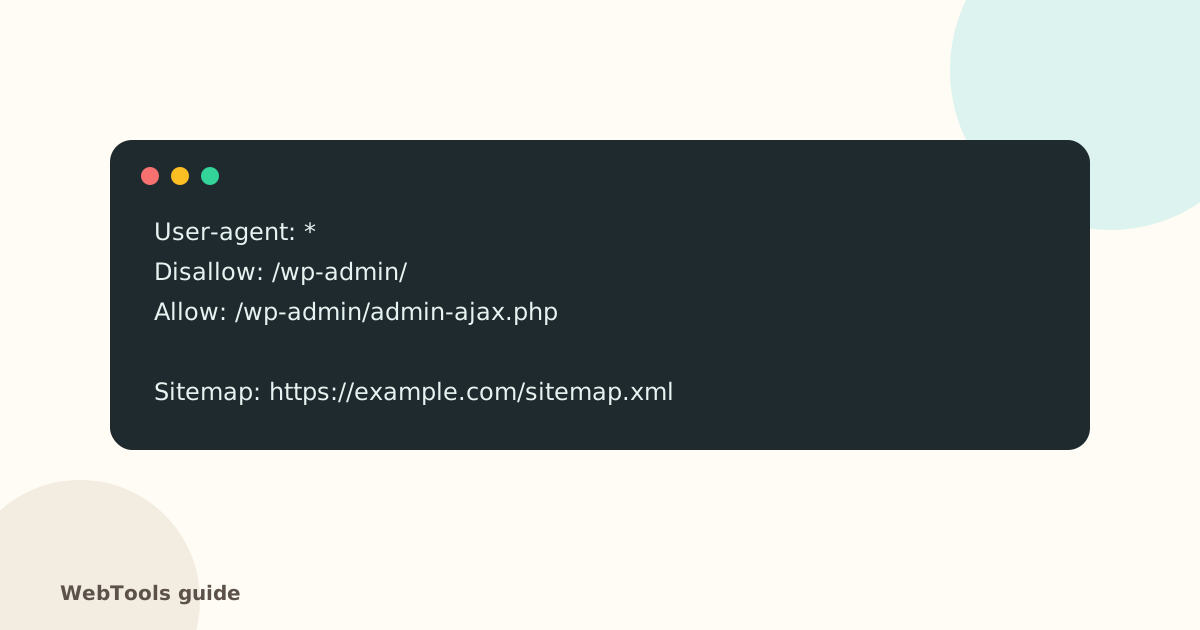
Two different switches
- robots.txt is a file at yoursite.com/robots.txt. It tells crawlers which paths not to crawl.
- noindex is a meta tag in the page (or an X-Robots-Tag header). It tells search engines not to list that page.
Where noindex comes from
- WordPress: Settings → Reading → Discourage search engines left on after launch.
- SEO plugins: a post type or category set to noindex.
- Staging copies pushed live with their settings.
- Server or CDN rules that add an X-Robots-Tag header.
A safe robots.txt
Keep it short, like the example above. Block admin areas and internal search results if you like, but never Disallow: / on a live site. Always include a Sitemap: line pointing to your XML sitemap.
How to fix
- Run the website checker: the Indexing line shows whether the homepage has noindex.
- Remove the noindex setting in your CMS or plugin, or the header rule on your server.
- Fix robots.txt if it blocks pages you want found.
- In Google Search Console, use URL Inspection → Request indexing for key pages.
When noindex is right
Thank-you pages, internal search results, login pages, cart and checkout, and thin tag archives are often better left out of search. The audit lists every noindex page so you can confirm each one is intentional.
Questions about this topic
What's the difference between robots.txt and noindex?
robots.txt asks search engines not to crawl a path. noindex tells them not to show a page in results. A page blocked in robots.txt can still appear (without a description) if other sites link to it; use noindex to keep it out.
I launched my site and it's not on Google. Why?
Check for a leftover noindex from development. In WordPress, untick "Discourage search engines from indexing this site" under Settings → Reading. Then submit your sitemap in Google Search Console.
Related guides
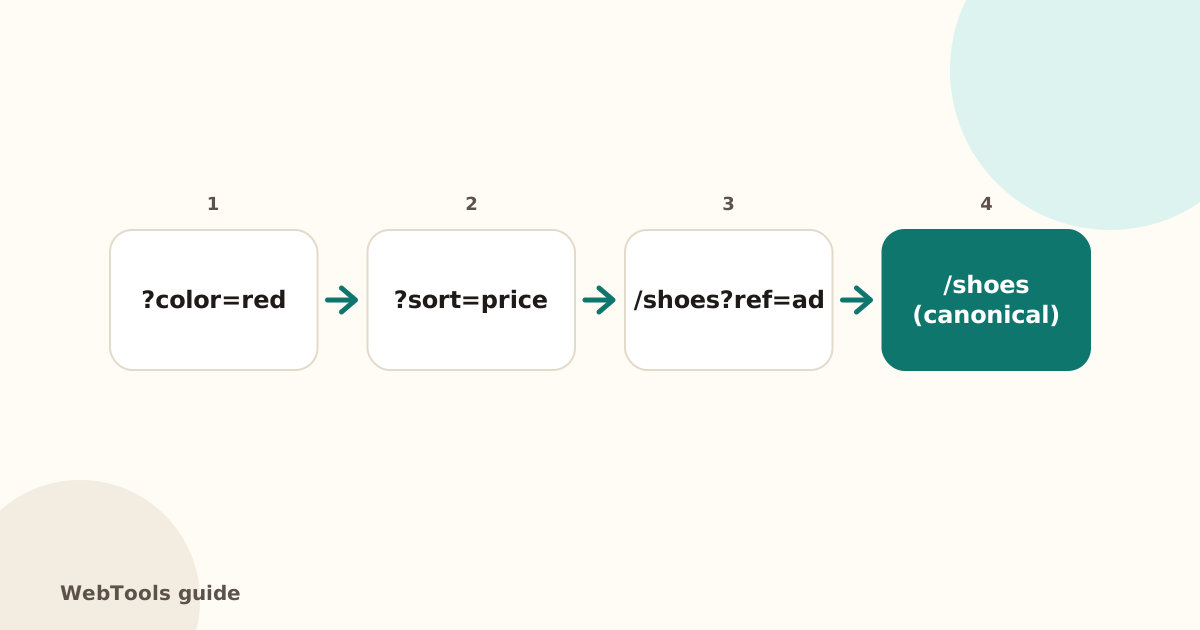 SEOCanonical tags: fix duplicate content the right wayA canonical tag tells Google which address is the main copy of a page. Learn when to use it, how to add it, and how to fix missing, wrong and duplicate canonicals.1 min read
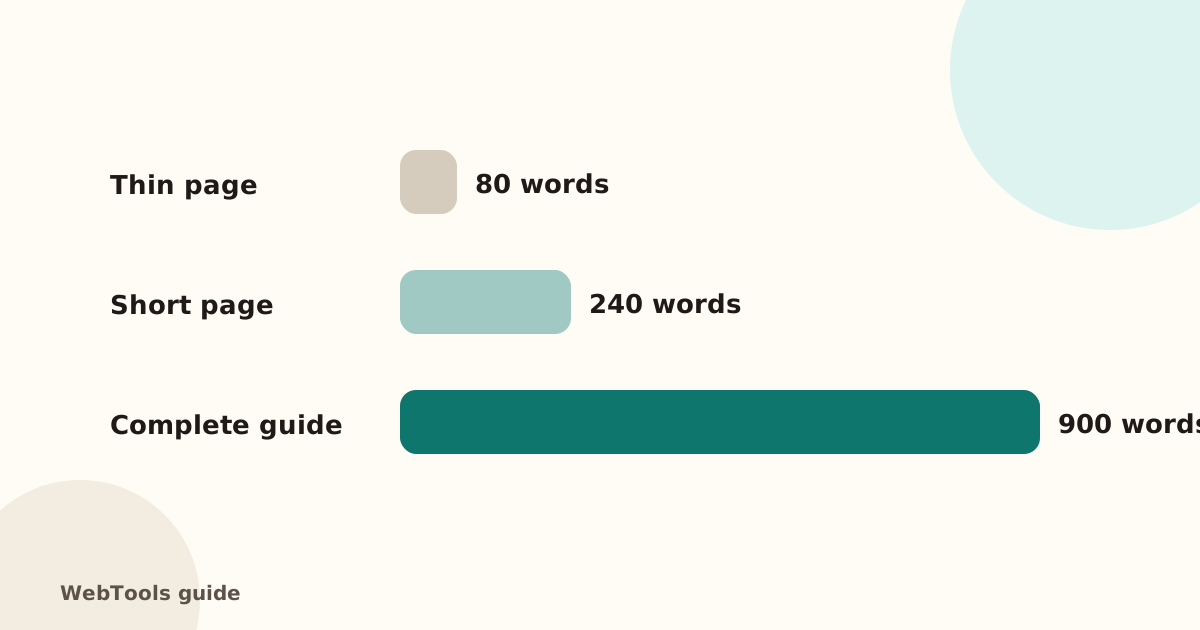 SEOThin content: how much text does a page need to rank?Pages with very little text rarely rank. Learn what thin content is, when short pages are fine, and how to expand or merge pages so they answer the searcher's question.1 min read
 SEOFavicon: add the small icon Google and browsers showA favicon appears in browser tabs, bookmarks and next to your site in Google's mobile results. See the sizes you need and how to add one in WordPress, Shopify and HTML.1 min read