Open Graph and Twitter cards: control how links look when shared
Open Graph tags decide the image, title and description shown when your page is shared on Facebook, LinkedIn, Slack and WhatsApp. Add them in minutes with this guide.
By the WebTools team · Published 2026-11-10 · 1 min read
When someone shares your page on Facebook, LinkedIn, Slack or WhatsApp, the preview card is built from Open Graph tags. Without them, the network guesses, and often picks a random image or none at all.
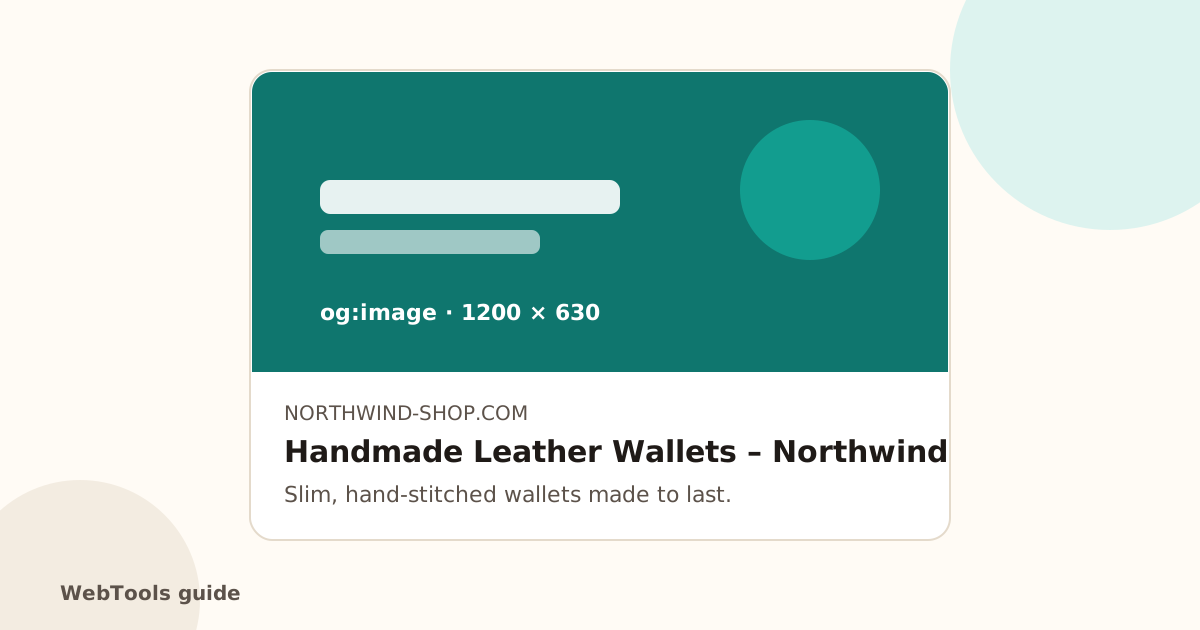
The tags you need
- og:title: the headline of the card.
- og:description: one or two sentences.
- og:image: full https address of a 1200 × 630 image.
- og:url: the canonical address of the page.
- og:type: website for most pages, article for blog posts.
- twitter:card set to summary_large_image, for a big image on X (X falls back to the og tags for the rest).
How to add them
- WordPress: Yoast SEO and Rank Math add them; set a default image and a social image per page in the plugin's Social tab.
- Shopify: set the social sharing image under Online Store → Preferences; products use their main image.
- Wix and Squarespace: set the social image in each page's SEO or social settings.
Make the image work
Use a real photo or a branded graphic with a short headline, keep text in the middle (some apps crop the edges), and test with Facebook's Sharing Debugger and LinkedIn's Post Inspector.
The full SEO audit lists pages without og:title or og:image, and pages without a Twitter card tag.
Questions about this topic
What size should the Open Graph image be?
1200 × 630 pixels (1.91:1), under about 5 MB, as JPG or PNG. Keep important text away from the edges.
I changed the image but the old one still shows. Why?
Social networks cache previews. Use Facebook's Sharing Debugger or LinkedIn's Post Inspector to fetch the page again.
Related guides
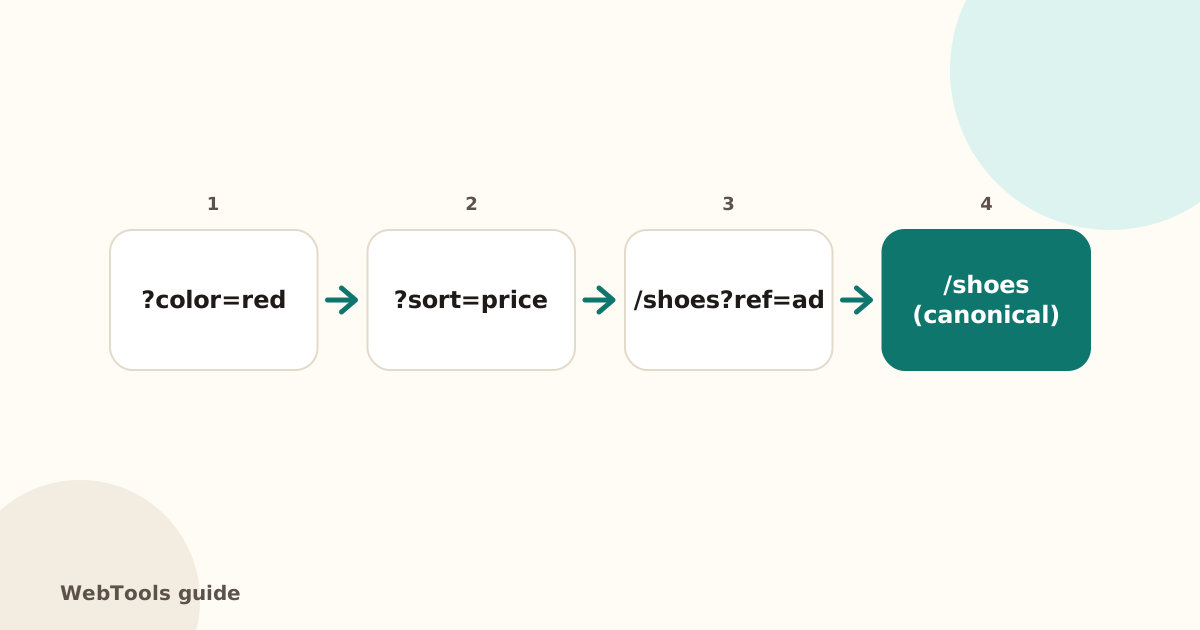 SEOCanonical tags: fix duplicate content the right wayA canonical tag tells Google which address is the main copy of a page. Learn when to use it, how to add it, and how to fix missing, wrong and duplicate canonicals.1 min read
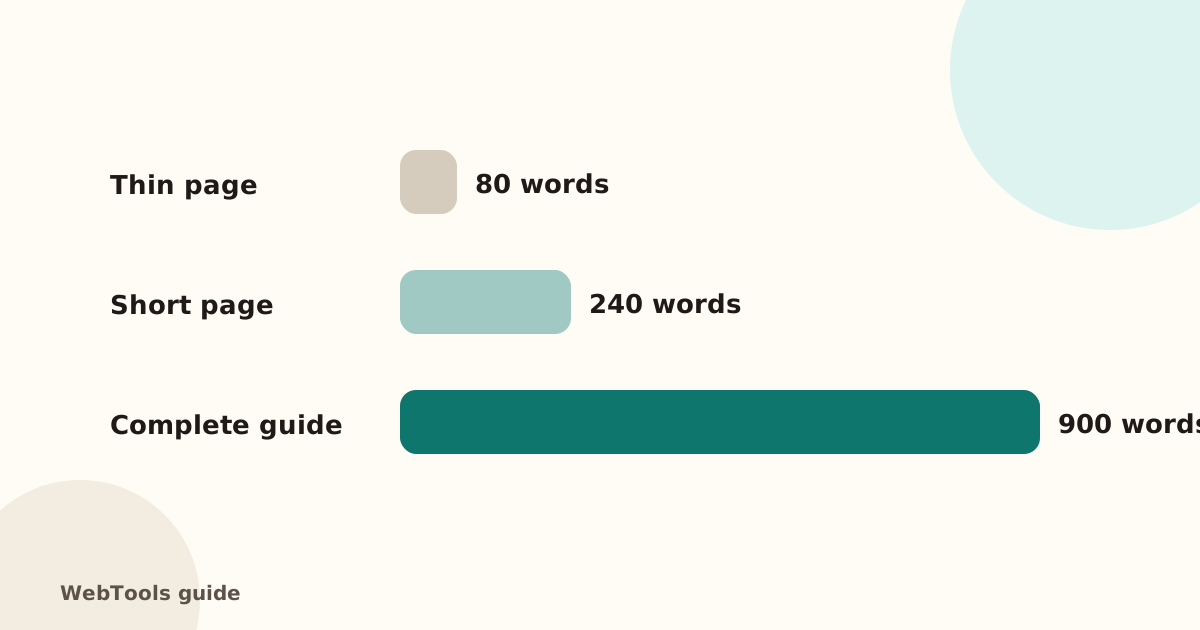 SEOThin content: how much text does a page need to rank?Pages with very little text rarely rank. Learn what thin content is, when short pages are fine, and how to expand or merge pages so they answer the searcher's question.1 min read
 SEOFavicon: add the small icon Google and browsers showA favicon appears in browser tabs, bookmarks and next to your site in Google's mobile results. See the sizes you need and how to add one in WordPress, Shopify and HTML.1 min read