How to redirect HTTP to HTTPS (and www to non-www) the right way
Force HTTPS with a single 301 redirect, pick www or non-www, and remove redirect chains. Copy-paste rules for Apache, Nginx, Cloudflare and WordPress.
By the WebTools team · Published 2026-11-10 · 1 min read
Your site can be reached in up to four ways: http or https, with or without www. If all four load, search engines see four copies of every page, and visitors may land on an insecure one. The fix is one permanent (301) redirect to a single version.
Why one redirect matters
- Security: visitors on http:// can have their traffic read or changed on public Wi-Fi.
- SEO: links and ranking signals split between versions. A 301 passes them to the main address.
- Speed: every extra hop (a redirect chain) adds a round trip before the page starts loading.
Pick your main address
Choose https:// with or without www. Both are fine; stay consistent in your sitemap, canonical tags and internal links.
Apache (.htaccess)
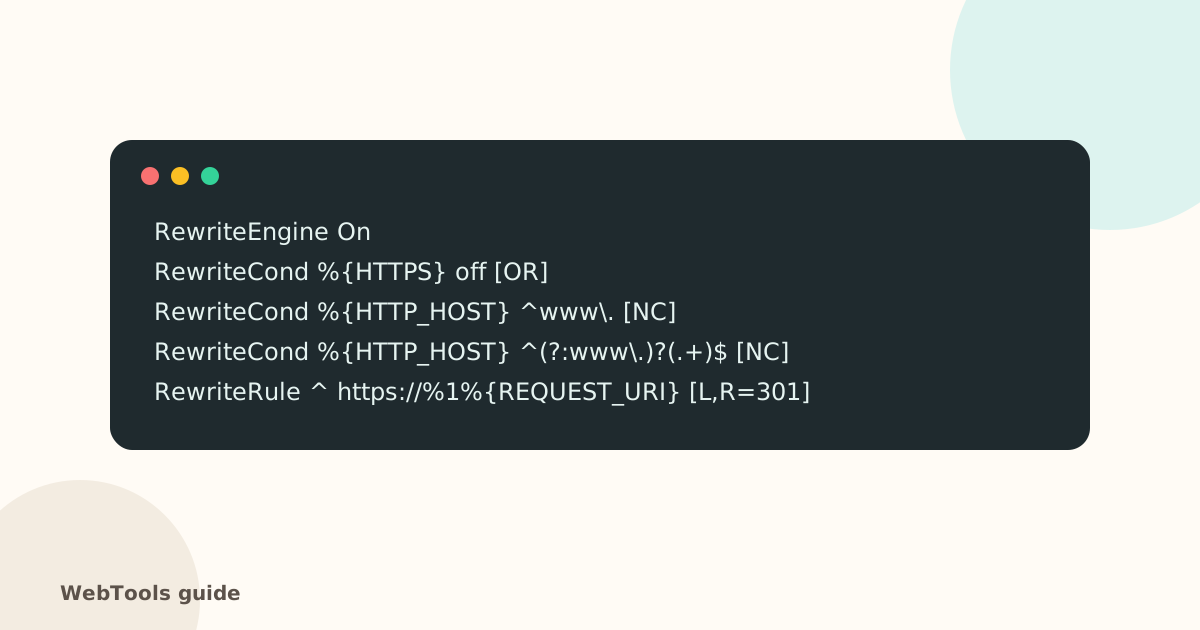
Put the rules above at the top of the .htaccess file in your site's root folder. They send every variant to https:// without www in a single hop. To keep www, use your full www address in the RewriteRule instead.
Nginx
Add a separate server block that answers on port 80 (and on the www name) with return 301 https://example.com$request_uri; and keep your real site in the https server block.
Cloudflare
Turn on Always Use HTTPS under SSL/TLS → Edge Certificates, and add a Redirect Rule from www to the root domain (status 301). Remove duplicate rules on your server to avoid chains.
WordPress
Set both WordPress Address and Site Address under Settings → General to the https:// version, then add the server redirect above. A search-and-replace plugin can update old http:// links in your content.
Check the result
Run the website checker again. Under Redirects you should see one hop at most, ending on https://. The full SEO audit also lists internal links that still go through a redirect, so you can point them straight at the final page.
Questions about this topic
Should I use www or non-www?
It doesn't matter for SEO. What matters is choosing one and redirecting the other to it with a 301, so search engines see a single version of every page.
What is a redirect chain?
A redirect that leads to another redirect, for example http://www → https://www → https://. Each hop adds delay. Point every old address straight at the final one.
301 or 302?
Use 301 (permanent) for HTTPS and domain-name redirects. A 302 tells search engines the move is temporary, so they keep the old address.
Related guides
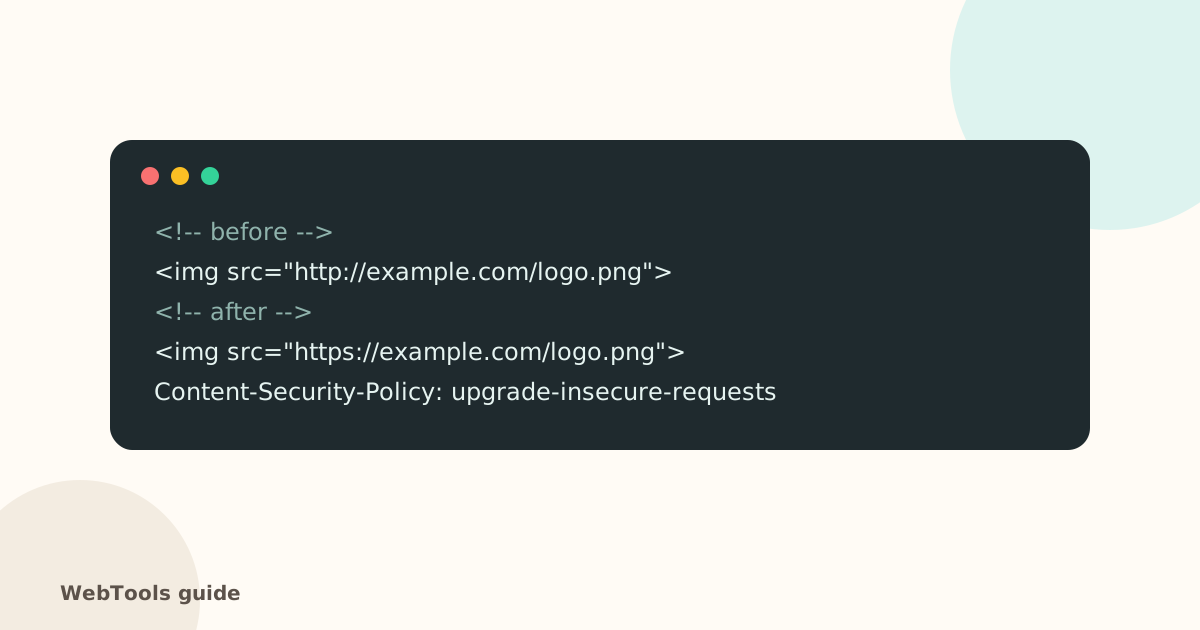 SecurityMixed content: how to fix "not secure" warnings on HTTPS pagesMixed content means an https page loads images, scripts or styles over http. Browsers block them and show "not secure". Here's how to find and fix every one.1 min read
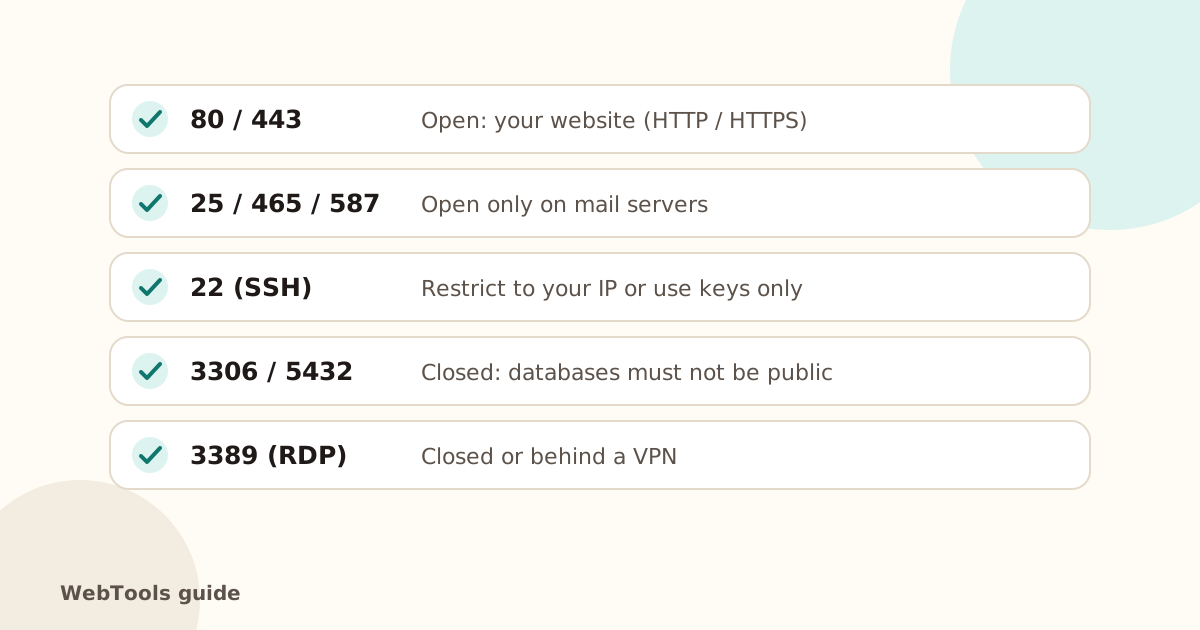 SecurityOpen ports, ping and traceroute: what your server shows the internetSee which ports your server answers on, why database and admin ports should be closed, and how ping and traceroute help diagnose slow or unreachable sites.1 min readSecurityYour SSL certificate expired. Here is what to doWhy browsers suddenly warn visitors away from your site, how to renew an SSL certificate, and how to make sure it never happens again.1 min read