Image alt text: how to write it for SEO and accessibility
Alt text describes images for screen readers and Google Images. Learn how to write good alt text, when to leave it empty, and how to add it in WordPress, Shopify and Wix.
By the WebTools team · Published 2026-11-10 · 1 min read
Alt text is a short description of an image, stored in the image's alt attribute. Screen readers read it aloud for blind and low-vision visitors, browsers show it when the image fails to load, and search engines use it to understand the picture.
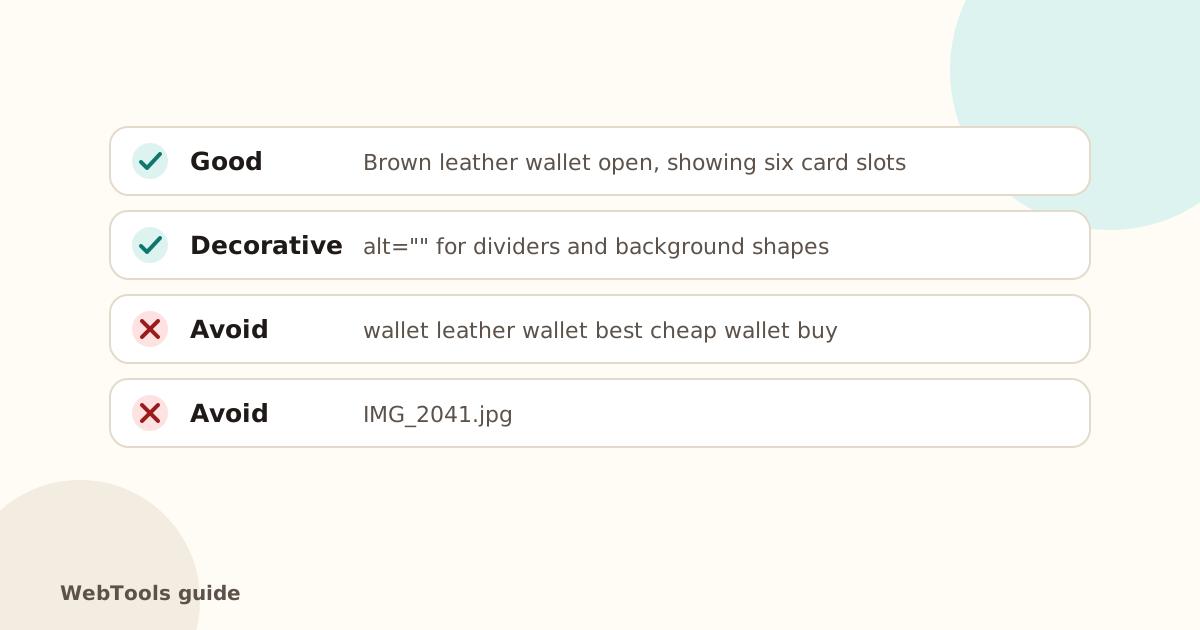
How to write good alt text
- Describe what matters in the image, in the context of the page.
- Be brief: one sentence, usually under 125 characters.
- Don't start with "image of"; screen readers already say it's an image.
- Include a keyword only if it fits naturally.
- Text in an image? Put that text in the alt.
- Decorative images (dividers, background shapes) get alt="".
How to add it
- WordPress: click the image → Alt text in the block settings, or in the Media Library.
- Shopify: product media → click the image → Add alt text.
- Wix: image settings → What's in the image?
- Squarespace: image block → Image alt text / filename field, depending on the block.
Bonus: the title attribute
The title attribute shows a tooltip on hover. It's optional and not a replacement for alt text.
The SEO audit lists every page with images that have no alt attribute at all. Then check the accessibility basics for links and forms.
Questions about this topic
Does alt text help SEO?
Yes. It's how Google understands images, which helps them rank in Google Images, and it adds relevant context to the page.
Should every image have alt text?
Every image needs an alt attribute. Meaningful images get a description; purely decorative ones get an empty alt="" so screen readers skip them.
Related guides
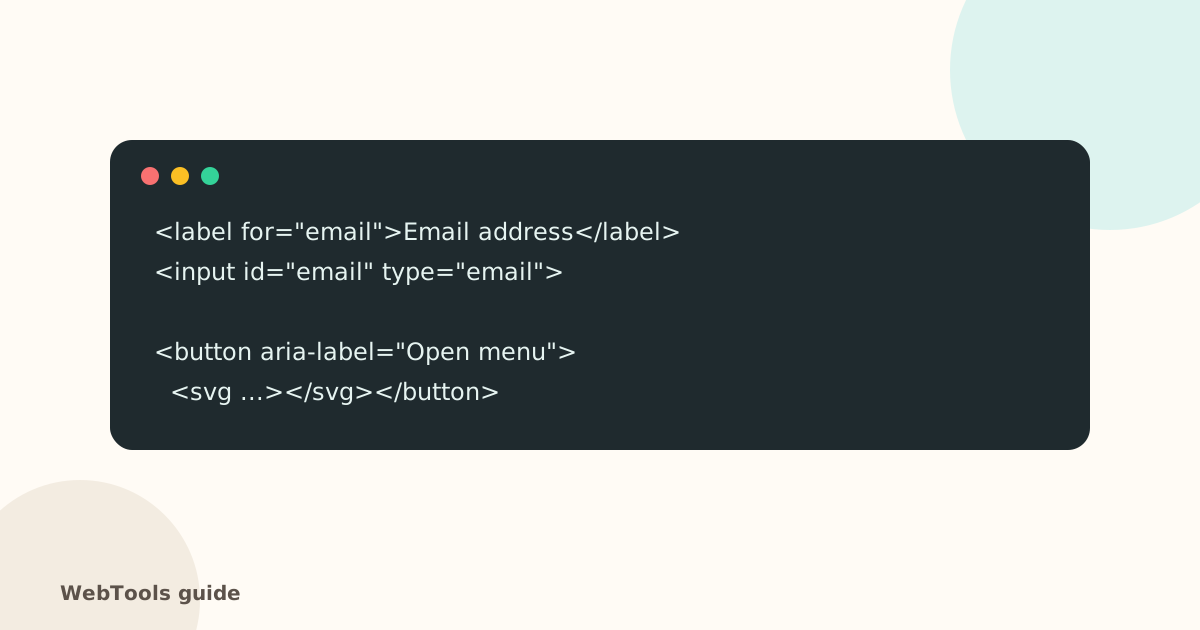 AccessibilityAccessible links, buttons and forms: quick fixes that help everyoneForm fields without labels, empty icon buttons and "click here" links confuse screen reader users. Learn the quick fixes that make your site usable for everyone.1 min read
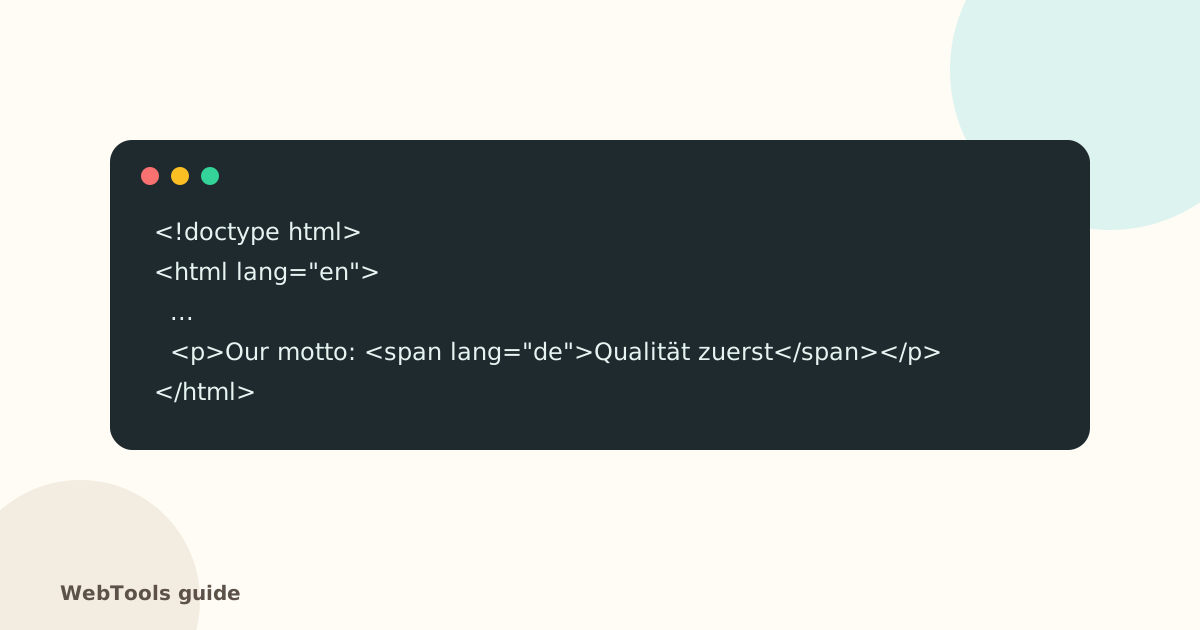 AccessibilityThe HTML lang attribute: why your page needs a languageThe lang attribute tells browsers, screen readers and translation tools which language your page is in. Learn how to set it correctly in WordPress, Shopify and HTML.1 min read
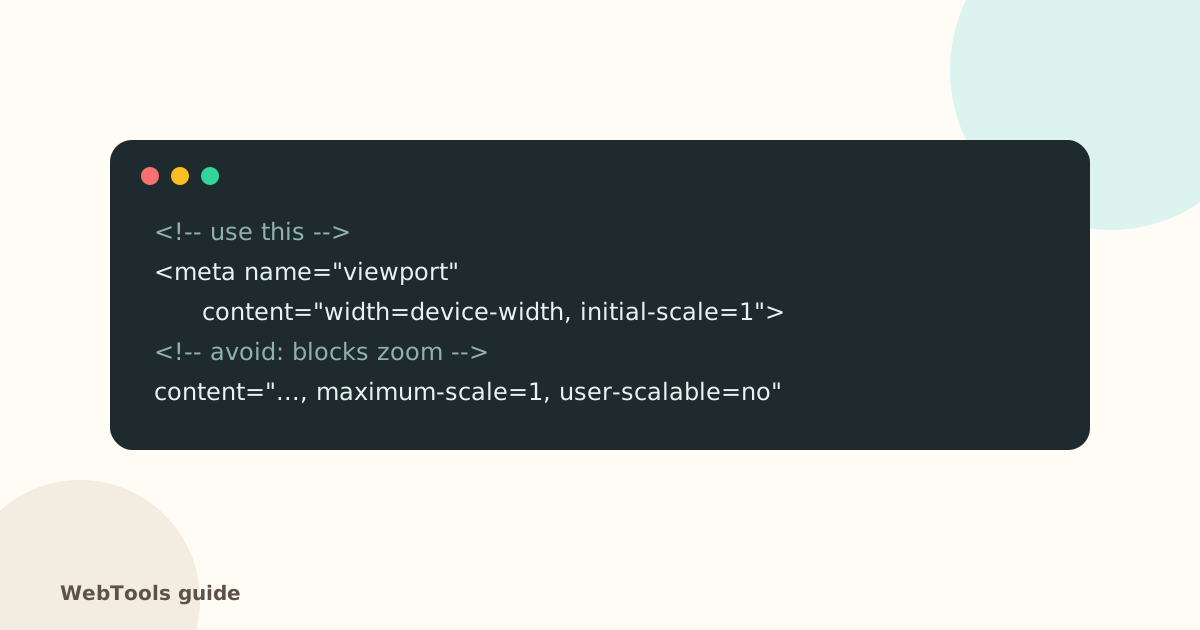 AccessibilityMobile-friendly pages: the viewport tag and zoomWithout a viewport meta tag, phones show a tiny desktop page. Learn the correct viewport tag, why you shouldn't block zoom, and how to check mobile-friendliness.1 min read