Your SSL certificate expired. Here is what to do
Why browsers suddenly warn visitors away from your site, how to renew an SSL certificate, and how to make sure it never happens again.
By the WebTools team · Published 2026-10-08 · 1 min read
When an SSL certificate expires, browsers show visitors a full-page warning instead of your site. Most people leave right there.
Why certificates expire
Certificates are only valid for a limited time, and the maximum keeps getting shorter. That is good for security, but it means renewal has to be automatic or someone has to remember it.
How to fix it today
- If your host manages SSL for you, open their control panel and look for an SSL or HTTPS section. There is usually a renew or reissue button.
- If you use a free certificate with automatic renewal, the renewal job may have stopped. Your host or developer can restart it.
- After renewing, clear any CDN cache and check the site in a private browser window.
Make sure it does not happen again
Run a website check on your domain. The security section shows the exact expiry date and warns you when it is less than three weeks away. With a Pro account you can get an email before it expires.
Check this on your own siteThe free website checker tests this and 40 other things in about 30 seconds, and links each problem to its guide.
Check my siteRelated guides
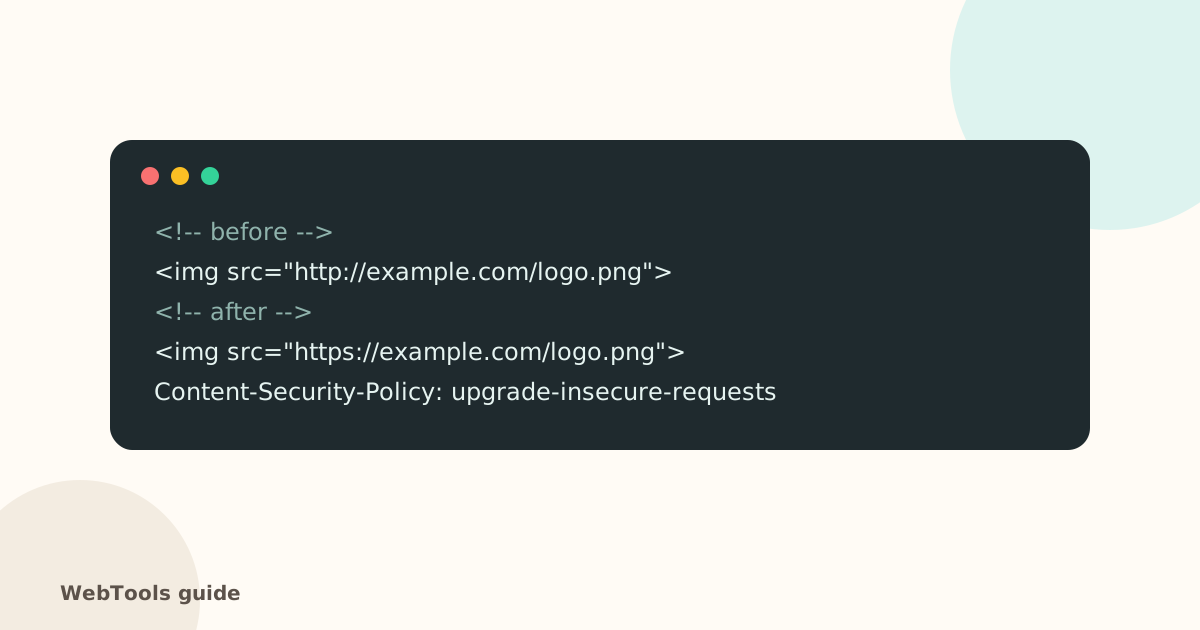 SecurityMixed content: how to fix "not secure" warnings on HTTPS pagesMixed content means an https page loads images, scripts or styles over http. Browsers block them and show "not secure". Here's how to find and fix every one.1 min read
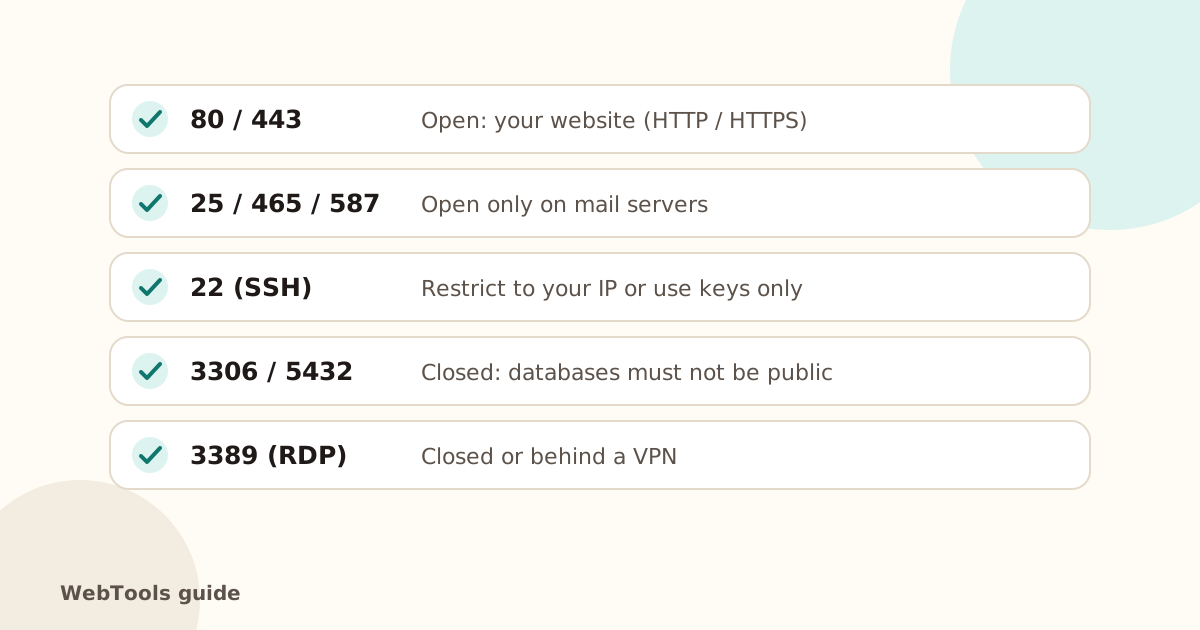 SecurityOpen ports, ping and traceroute: what your server shows the internetSee which ports your server answers on, why database and admin ports should be closed, and how ping and traceroute help diagnose slow or unreachable sites.1 min read
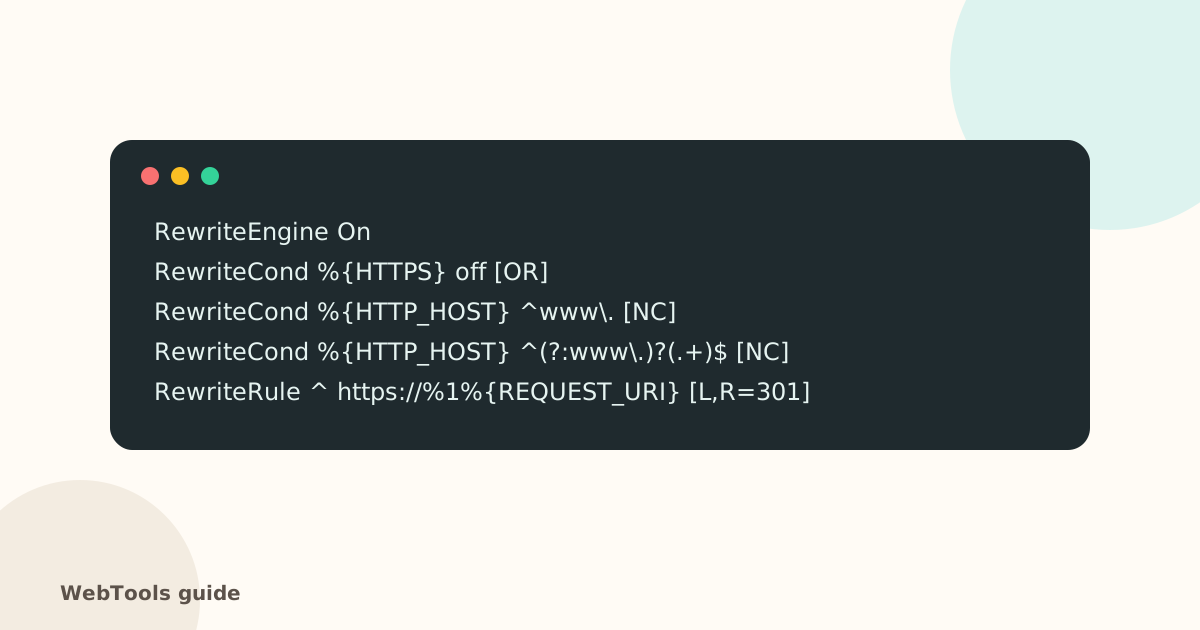 SecurityHow to redirect HTTP to HTTPS (and www to non-www) the right wayForce HTTPS with a single 301 redirect, pick www or non-www, and remove redirect chains. Copy-paste rules for Apache, Nginx, Cloudflare and WordPress.1 min read