How to reduce server response time (TTFB) below 800 ms
A slow server response (TTFB) delays every page. Learn what a good TTFB is and how to cut it with caching, a CDN, faster hosting and fewer slow plugins.
By the WebTools team · Published 2026-11-10 · 2 min read
Time to first byte (TTFB) is how long your server takes to start answering. Nothing can appear on screen before it, so a slow response slows every page, on every visit.
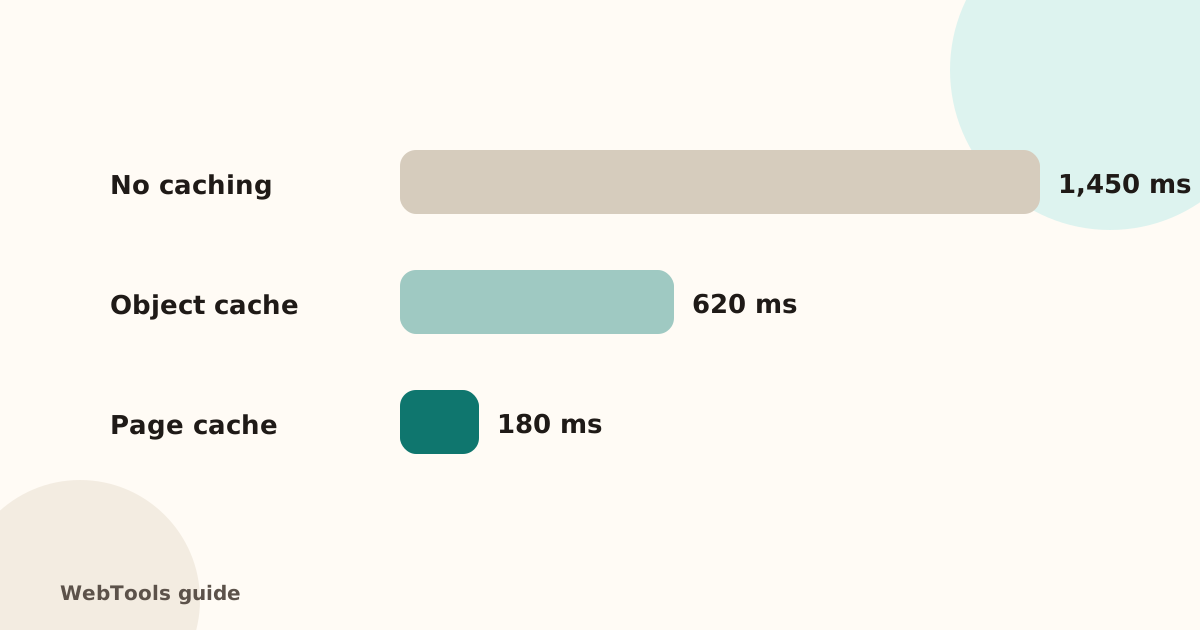
What the numbers mean
- Under 200 ms: excellent.
- 200–800 ms: fine for most sites.
- Over 800 ms: slow. The website checker marks this as a warning, and the SEO audit lists every slow page.
1. Turn on page caching
Most slow responses come from building the same page from the database on every visit. A page cache stores the finished HTML. On WordPress use a caching plugin (for example WP Super Cache, W3 Total Cache or LiteSpeed Cache on LiteSpeed servers); most managed hosts have it built in.
2. Add an object cache
If pages can't be fully cached (shops, member areas), Redis or Memcached keeps database results in memory. Ask your host whether it's available.
3. Use a CDN
A content delivery network such as Cloudflare serves cached copies from a location near the visitor, which helps most when your visitors are far from your server.
4. Remove slow plugins and code
Deactivate plugins one by one and measure again. Page builders, related-post widgets and badly written search or statistics plugins are frequent culprits.
5. Update PHP or Node.js
Newer versions are noticeably faster. Most hosting panels let you switch versions in a few clicks; test on a staging copy first.
6. Check the database
Large, unoptimised tables slow every query. Clean up old revisions, spam comments and expired transients, and make sure tables have indexes.
7. Move to better hosting
If an empty page still takes over a second, the server itself is overloaded. Shared hosting with strict resource limits is a common cause.
Measure again
Run the website checker a few times. The First response line shows the server time from our location. The full SEO audit measures it on every page it visits.
Questions about this topic
What is a good TTFB?
Under 200 ms is excellent, under 800 ms is acceptable. Above 800 ms visitors notice the wait before anything appears.
Does TTFB affect SEO?
Indirectly. Google's Core Web Vitals measure how fast content appears, and a slow server delays everything that follows.
Related guides
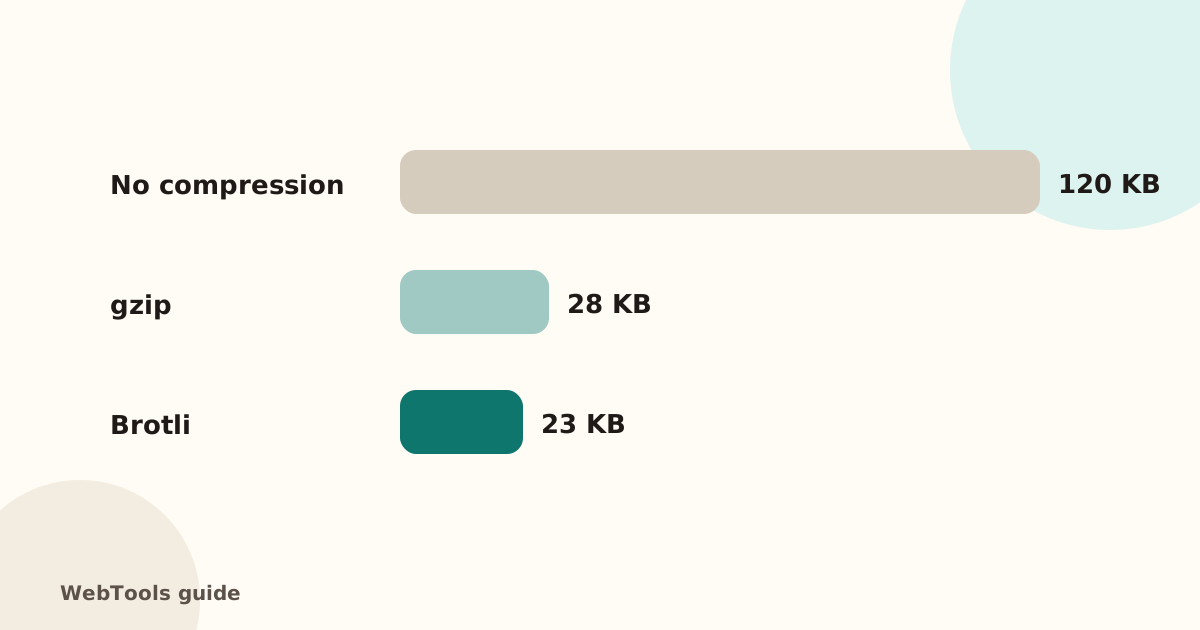 SpeedEnable gzip and Brotli compression to make pages load fasterCompression shrinks HTML, CSS and JavaScript by 70–80%. Learn how to turn on gzip or Brotli in Apache, Nginx, Cloudflare and WordPress, and how to check it works.1 min read
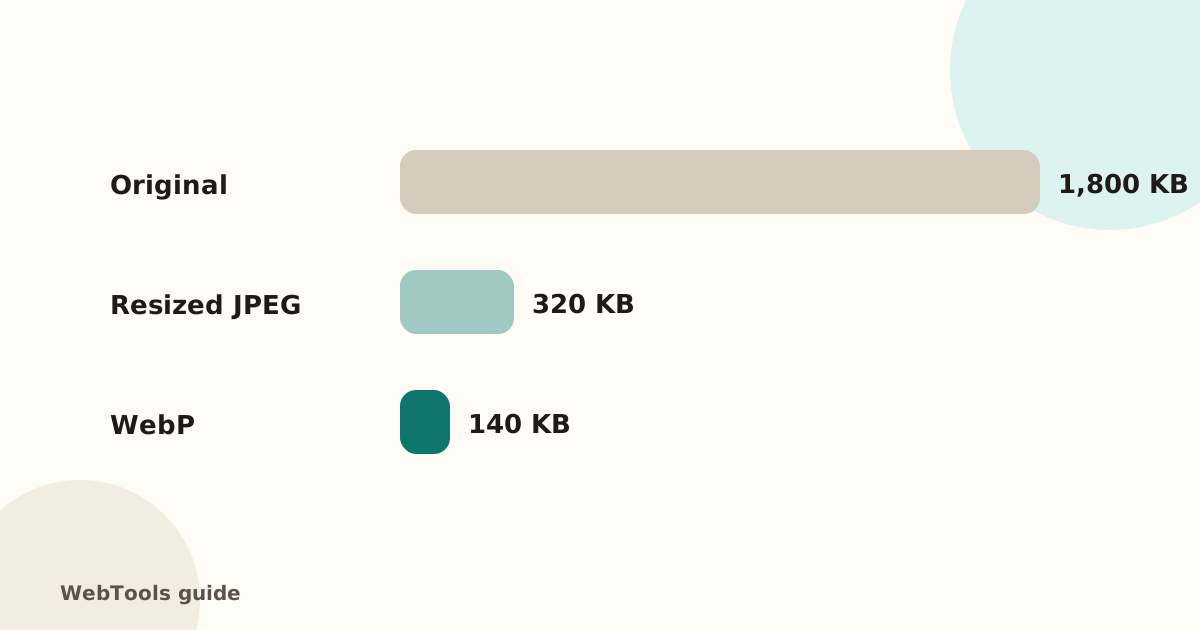 SpeedOptimise images for the web: size, WebP/AVIF and cachingHeavy images are the top reason pages load slowly. Learn how to resize and compress images, switch to WebP or AVIF, lazy-load them and set browser caching.1 min read
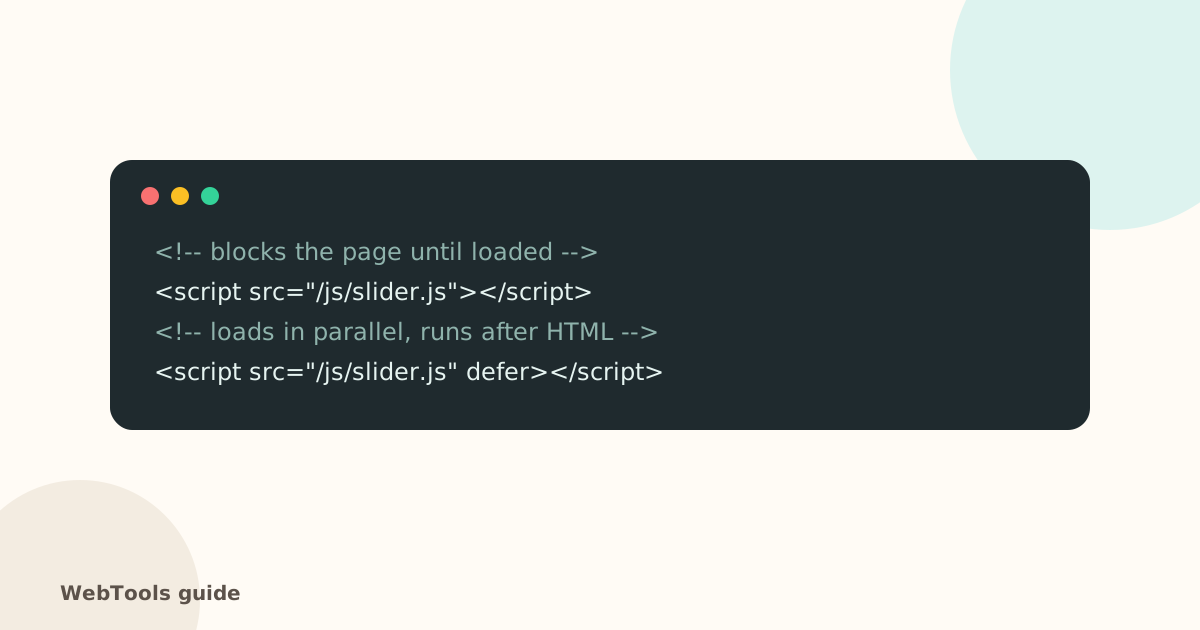 SpeedRender-blocking scripts: use defer and async to show pages soonerScripts in the page head without defer or async stop the page from appearing. Learn the difference between defer and async and how to trim third-party scripts.1 min read