Render-blocking scripts: use defer and async to show pages sooner
Scripts in the page head without defer or async stop the page from appearing. Learn the difference between defer and async and how to trim third-party scripts.
By the WebTools team · Published 2026-11-10 · 1 min read
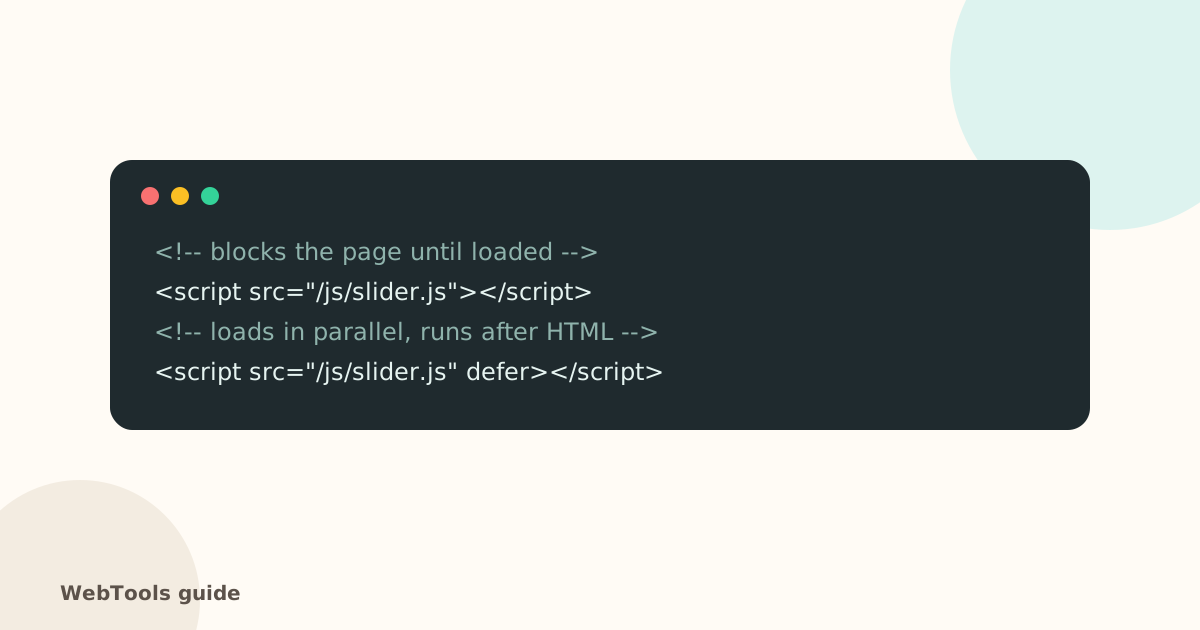
When the browser meets a script tag in the page head without defer or async, it stops building the page until the script is downloaded and run. Several of them in a row can delay the first paint by seconds.
Quick fixes
- Add defer to your own scripts in the head. They download in parallel and run in order after the HTML is ready.
- Use async for independent tags such as analytics.
- Move scripts to the end of the body if you can't edit the tags.
- Remove what you don't use: old tracking pixels, chat widgets on every page, sliders nobody sees.
WordPress
Performance plugins (for example WP Rocket, Perfmatters, Autoptimize or LiteSpeed Cache) can defer JavaScript and delay third-party scripts until the visitor interacts. Test the site afterwards: some scripts break when deferred.
Shopify and Wix
Review installed apps: each one often adds its own script. Uninstall unused apps and remove leftover code from the theme.
Third-party tags
Load marketing tags through Google Tag Manager, and let them wait for consent (see Consent Mode v2). The SEO audit lists pages with more than two blocking scripts in the head and pages with over 15 external scripts.
Questions about this topic
defer or async?
defer keeps scripts in order and runs them after the HTML is parsed, which is safest for site scripts. async runs each script as soon as it arrives, which suits independent third-party tags like analytics.
How many scripts are too many?
There's no hard limit, but each one costs time. Over 15 external scripts usually means unused plugins or tags worth removing.
Related guides
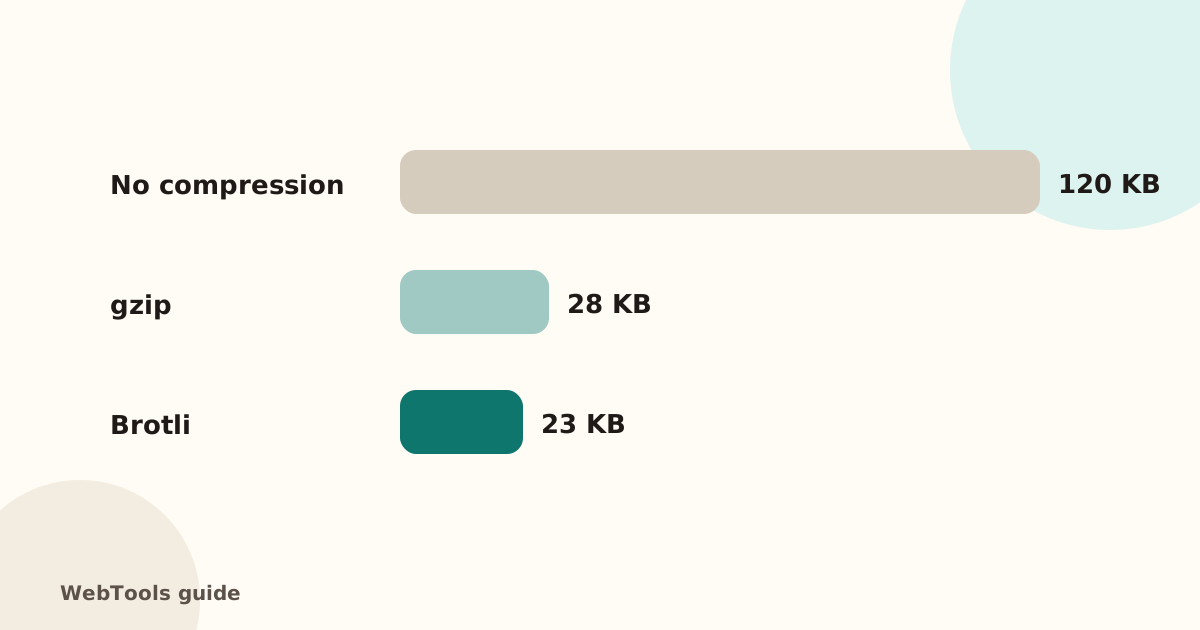 SpeedEnable gzip and Brotli compression to make pages load fasterCompression shrinks HTML, CSS and JavaScript by 70–80%. Learn how to turn on gzip or Brotli in Apache, Nginx, Cloudflare and WordPress, and how to check it works.1 min read
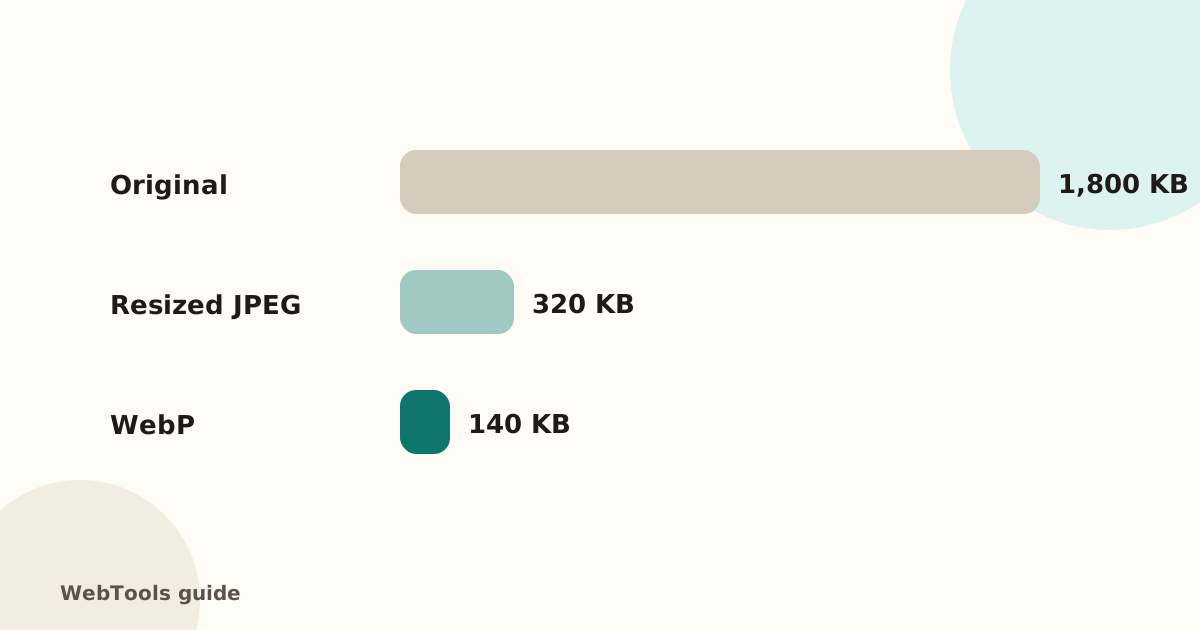 SpeedOptimise images for the web: size, WebP/AVIF and cachingHeavy images are the top reason pages load slowly. Learn how to resize and compress images, switch to WebP or AVIF, lazy-load them and set browser caching.1 min read
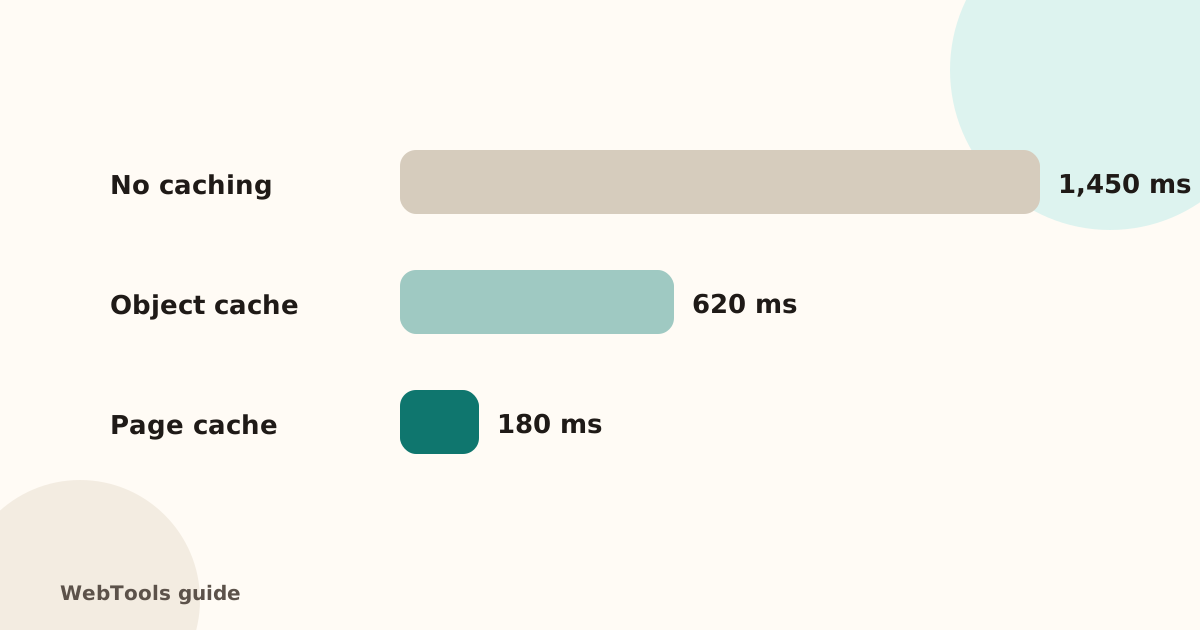 SpeedHow to reduce server response time (TTFB) below 800 msA slow server response (TTFB) delays every page. Learn what a good TTFB is and how to cut it with caching, a CDN, faster hosting and fewer slow plugins.2 min read