Security headers explained for site owners
What HSTS, Content-Security-Policy and the other security headers do, which ones matter for a small business site, and how to add them.
By the WebTools team · Published 2026-09-24 · 1 min read
Security headers are short instructions your server sends along with every page. They tell the browser how careful to be with your site.
The ones that matter most
- Strict-Transport-Security (HSTS) makes browsers always use HTTPS for your site, even if someone types http.
- Content-Security-Policy (CSP) limits where scripts and styles may load from, which blocks many injected scripts.
- X-Content-Type-Options stops browsers from guessing file types in risky ways.
- Referrer-Policy controls how much of your page address is shared when visitors click a link.
Where to add them
Most hosts and CDNs let you add response headers in their settings. On WordPress, a security plugin can do it. Start with HSTS and X-Content-Type-Options, because they rarely break anything. Test CSP carefully, since a strict policy can block your own analytics or chat widget.
Check what you have
The security section of the website checker lists which headers your site sends and which are missing.
Check this on your own siteThe free website checker tests this and 40 other things in about 30 seconds, and links each problem to its guide.
Check my siteRelated guides
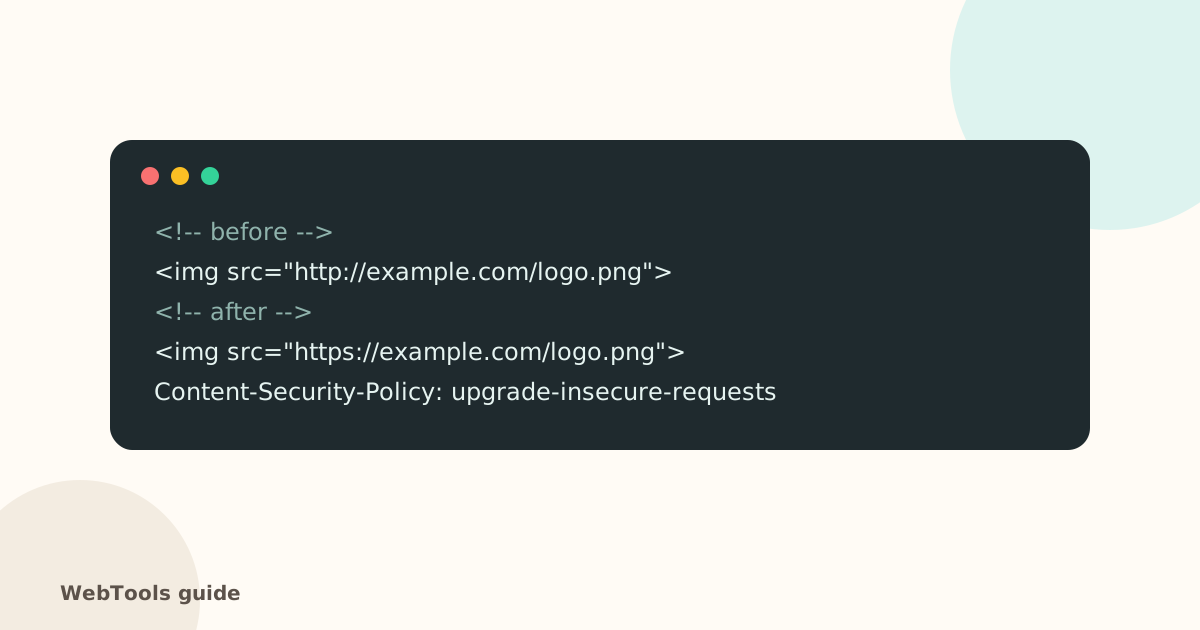 SecurityMixed content: how to fix "not secure" warnings on HTTPS pagesMixed content means an https page loads images, scripts or styles over http. Browsers block them and show "not secure". Here's how to find and fix every one.1 min read
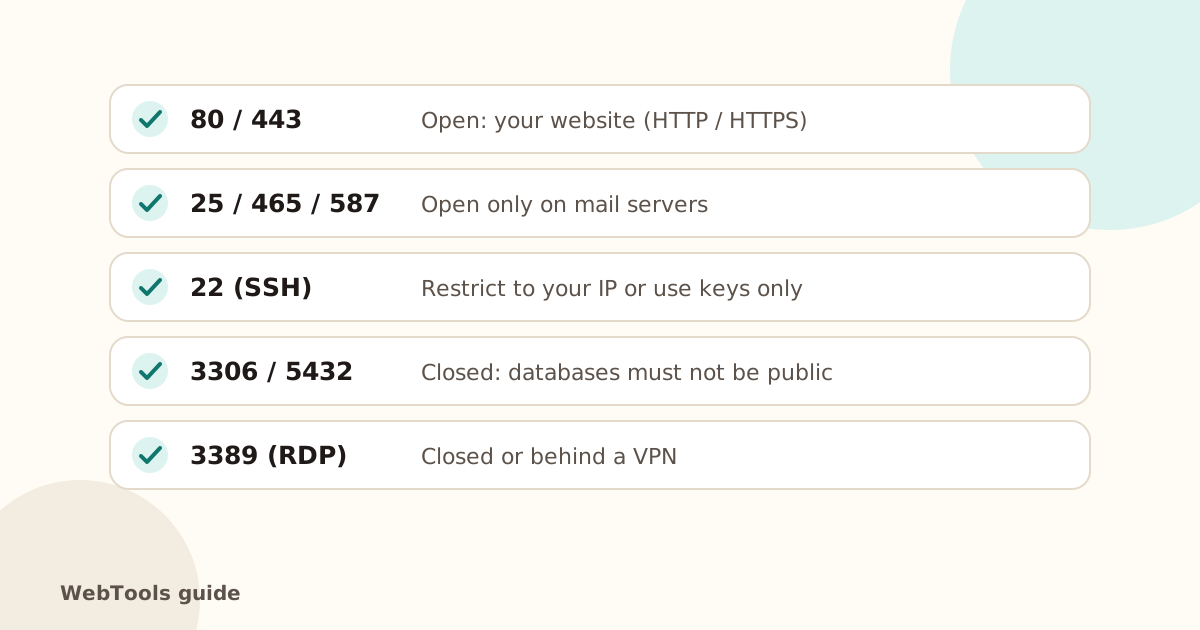 SecurityOpen ports, ping and traceroute: what your server shows the internetSee which ports your server answers on, why database and admin ports should be closed, and how ping and traceroute help diagnose slow or unreachable sites.1 min read
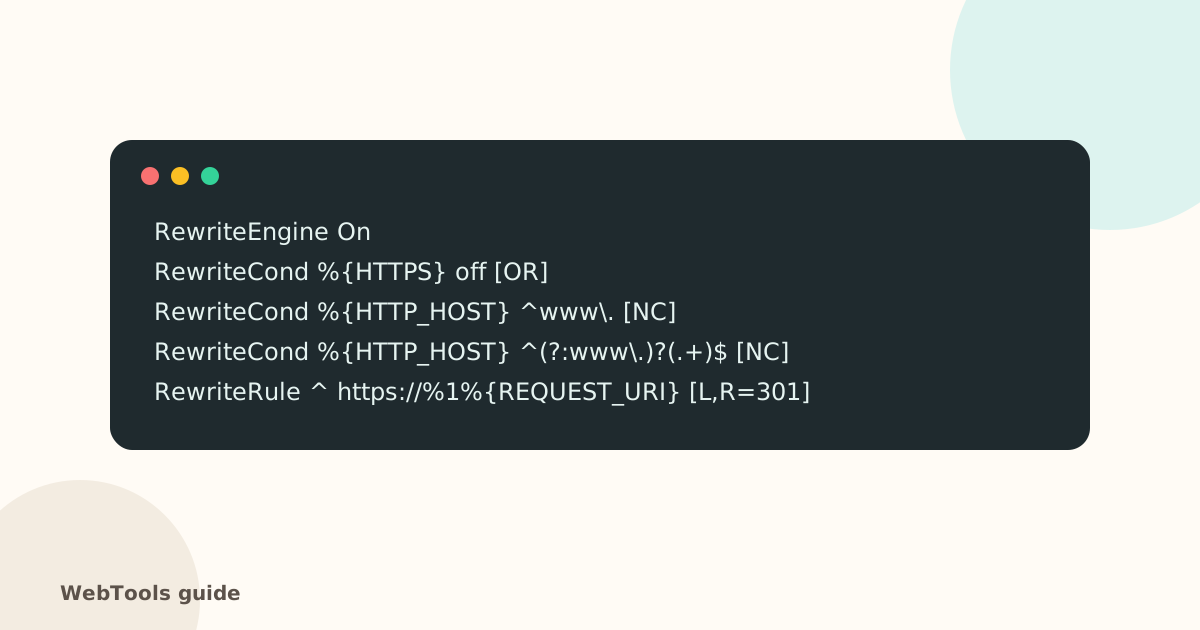 SecurityHow to redirect HTTP to HTTPS (and www to non-www) the right wayForce HTTPS with a single 301 redirect, pick www or non-www, and remove redirect chains. Copy-paste rules for Apache, Nginx, Cloudflare and WordPress.1 min read