Title tags: how to write page titles that rank and get clicks
The title tag is the headline Google shows in search results. Learn the ideal length, how to fix missing and duplicate titles, and see examples that get clicks.
By the WebTools team · Published 2026-11-10 · 1 min read
The title tag is the blue clickable headline in Google results and the text on the browser tab. It's one of the strongest on-page signals for SEO, and it decides whether people click.
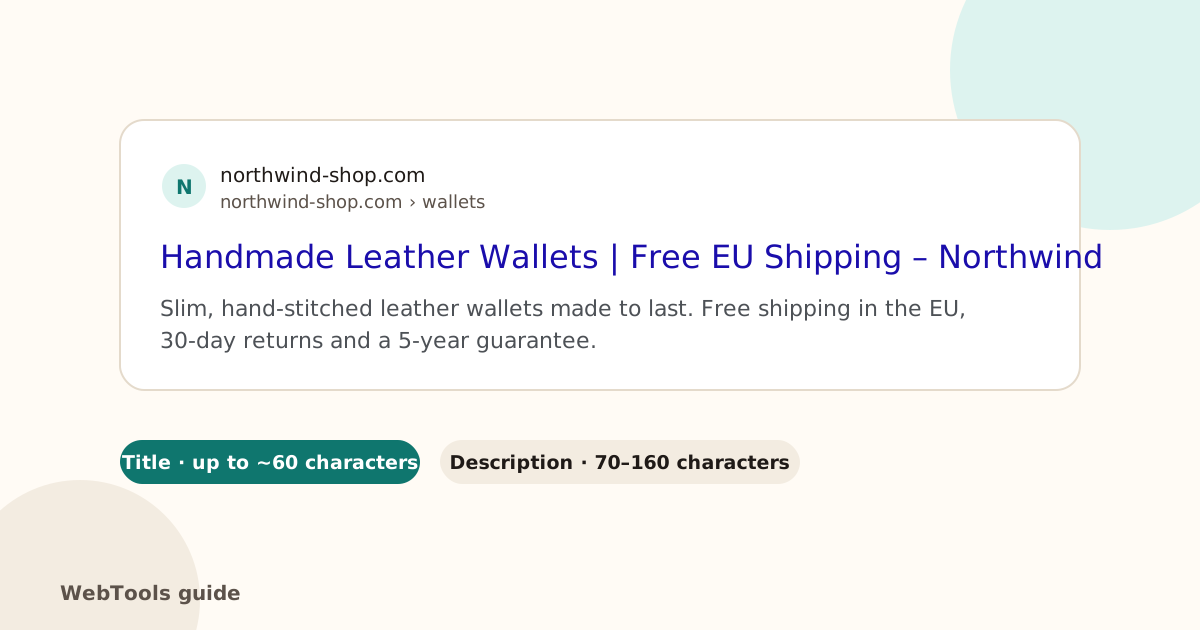
What a good title looks like
- 30–60 characters, so it isn't cut off.
- The main keyword near the start, written the way people search.
- A reason to click: a benefit, a number, the year, free shipping.
- Your brand at the end, separated by a dash or a pipe.
- Unique on every page.
Example: Handmade Leather Wallets | Free EU Shipping – Northwind
How to fix the common problems
- Missing title: add a title element in the page head. In WordPress, set the SEO title in Yoast or Rank Math; in Shopify, under the page's Search engine listing; in Wix and Squarespace, in the page's SEO settings.
- Duplicate titles: often caused by a theme that uses the site name everywhere, or by filter and page-number URLs. Write a title per page and use canonical tags for filter variations.
- Too long: move the keyword forward and cut filler words such as "Welcome to" or "Home page of".
- Too short: "Home" or "Products" wastes the space. Say what the page offers.
Title or H1?
The title is for search results; the H1 heading is the headline on the page. They can be similar, but the title can be shorter and more click-focused.
Check yours
The website checker reads your homepage title. The full SEO audit checks the title on every page and lists missing, duplicate, too long and too short ones.
Questions about this topic
How long should a title tag be?
Aim for 30–60 characters. Google shows roughly the first 600 pixels, which is about 55–60 characters, and cuts the rest with an ellipsis.
Does Google always use my title tag?
Not always. If the title is missing, too long or doesn't match the page, Google may rewrite it using your H1 or link text. A clear, accurate title is usually kept.
Should every page have a different title?
Yes. Duplicate titles make pages compete with each other and look identical in results.
Related guides
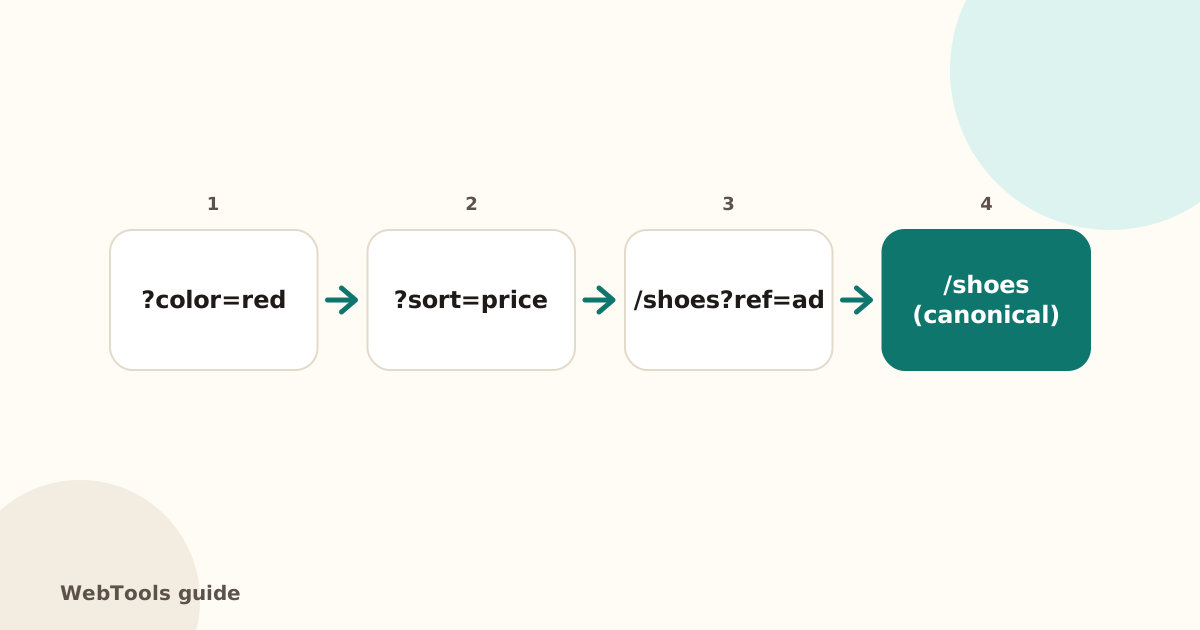 SEOCanonical tags: fix duplicate content the right wayA canonical tag tells Google which address is the main copy of a page. Learn when to use it, how to add it, and how to fix missing, wrong and duplicate canonicals.1 min read
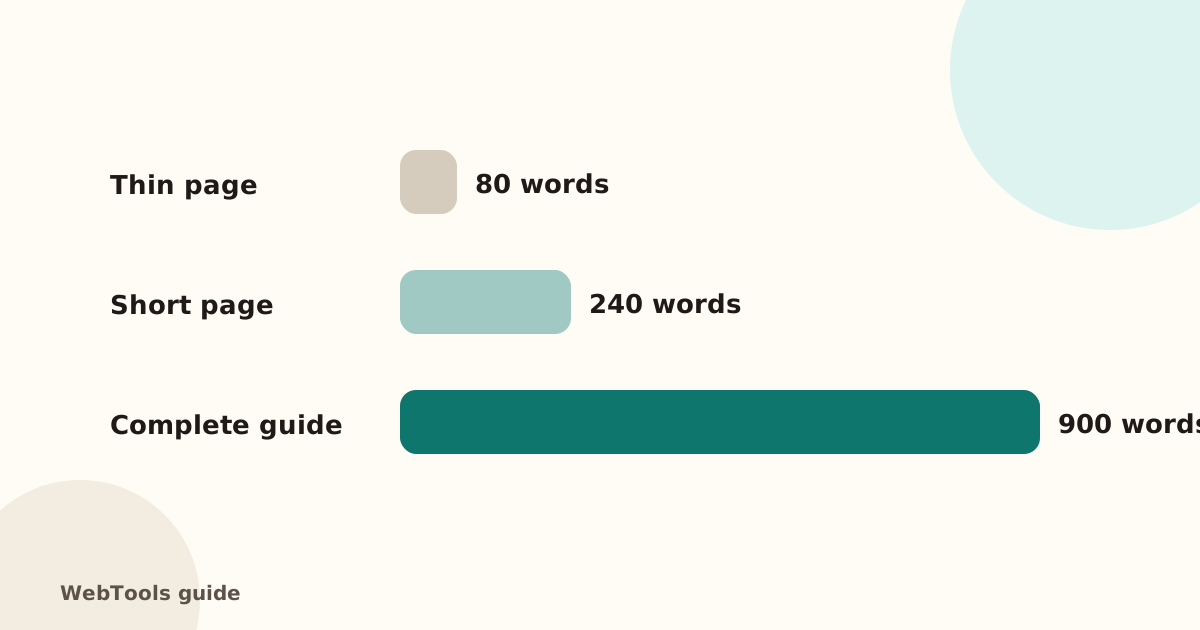 SEOThin content: how much text does a page need to rank?Pages with very little text rarely rank. Learn what thin content is, when short pages are fine, and how to expand or merge pages so they answer the searcher's question.1 min read
 SEOFavicon: add the small icon Google and browsers showA favicon appears in browser tabs, bookmarks and next to your site in Google's mobile results. See the sizes you need and how to add one in WordPress, Shopify and HTML.1 min read