Is my website down? A 10-minute checklist to find out why
Website not loading? Check if it's down for everyone, read the HTTP status code, and fix the most common causes: DNS, hosting, SSL and server errors.
By the WebTools team · Published 2026-11-10 · 2 min read
When a website stops loading, every minute costs visitors, sales and trust. The good news: almost every outage comes down to one of five causes, and you can find which one in about ten minutes.
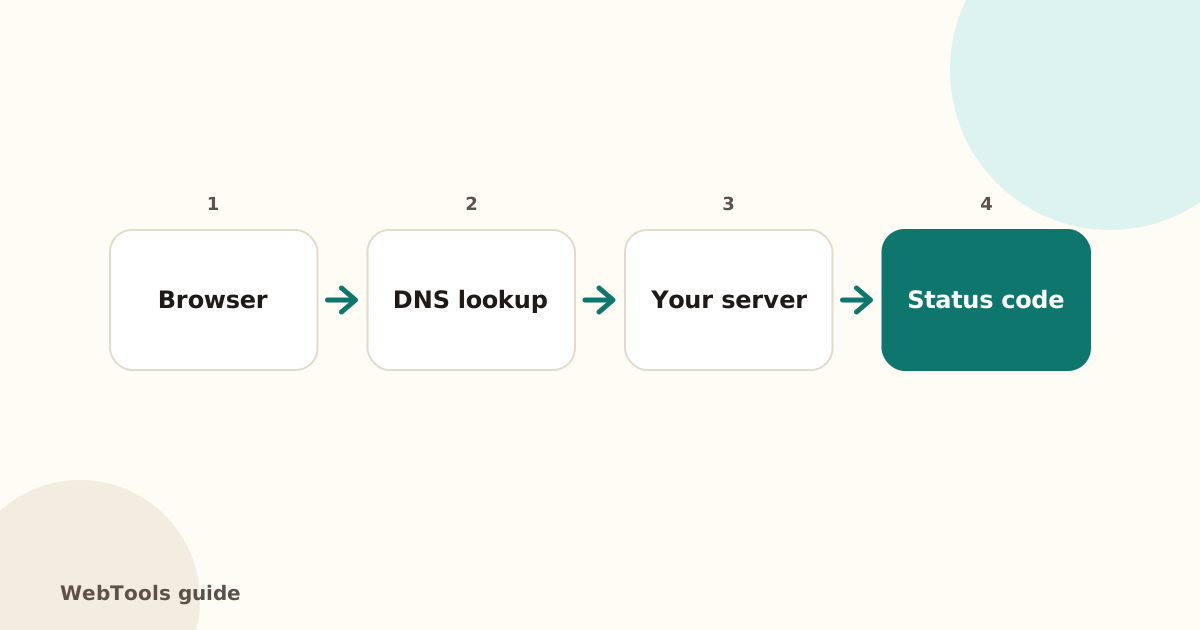
Step 1: Is it down for everyone, or just you?
Open the website checker and enter your domain. It loads the page from our server, not your computer. If the check says Reachable: Yes, the site works and the problem is on your side: try another browser, mobile data instead of Wi-Fi, or clear your DNS cache.
Step 2: Read the HTTP status code
The status code tells you who is at fault:
- 200 OK: the page works.
- 301 / 302: the page redirects. Fine, as long as it ends on a 200.
- 403 Forbidden: the server refuses access. Often file permissions or a security plugin or firewall rule.
- 404 Not Found: the address doesn't exist. See our guide to fixing broken links.
- 500 Internal Server Error: the code crashed. Check the error log in your hosting panel.
- 502 / 504: a proxy or CDN (such as Cloudflare) can't reach your server, or it answers too slowly.
- 503 Service Unavailable: maintenance mode, overload, or a hosting resource limit.
Step 3: Check DNS
If the checker says the domain doesn't resolve, DNS is broken: the domain may have expired, the nameservers may have changed, or the A record points to an old server. Our guide to DNS records shows what each record should look like, and the domain expiry guide shows how to check the renewal date.
Step 4: Check SSL
An expired or wrong certificate makes browsers show a full-page warning, which looks like an outage to visitors. See what to do when an SSL certificate expires.
Step 5: Check the server
- Log in to your hosting panel and look for a resource limit warning (CPU, memory, processes).
- Open the error log and read the last lines.
- Restart the application or PHP service.
- If you changed a plugin, theme or code just before the outage, roll it back.
Stop finding out from customers
Most site owners hear about downtime from an angry email. Uptime monitoring checks your site every few minutes and emails you after two failed checks in a row, so you can fix it before most visitors notice.
Questions about this topic
How do I know if my website is down for everyone or just me?
Run a check from an outside server, such as the WebTools website checker. If it loads there but not for you, the problem is your network, browser cache or DNS cache, not the site.
What does a 503 error mean?
503 Service Unavailable means the server is up but can't handle the request right now, usually because of maintenance, overload or a hosting resource limit. Check your hosting panel for resource limits and restart the application.
Can I get an alert when my site goes down?
Yes. Uptime monitoring checks the site every few minutes and emails you after two failed checks in a row, and again when it is back.
Related guides
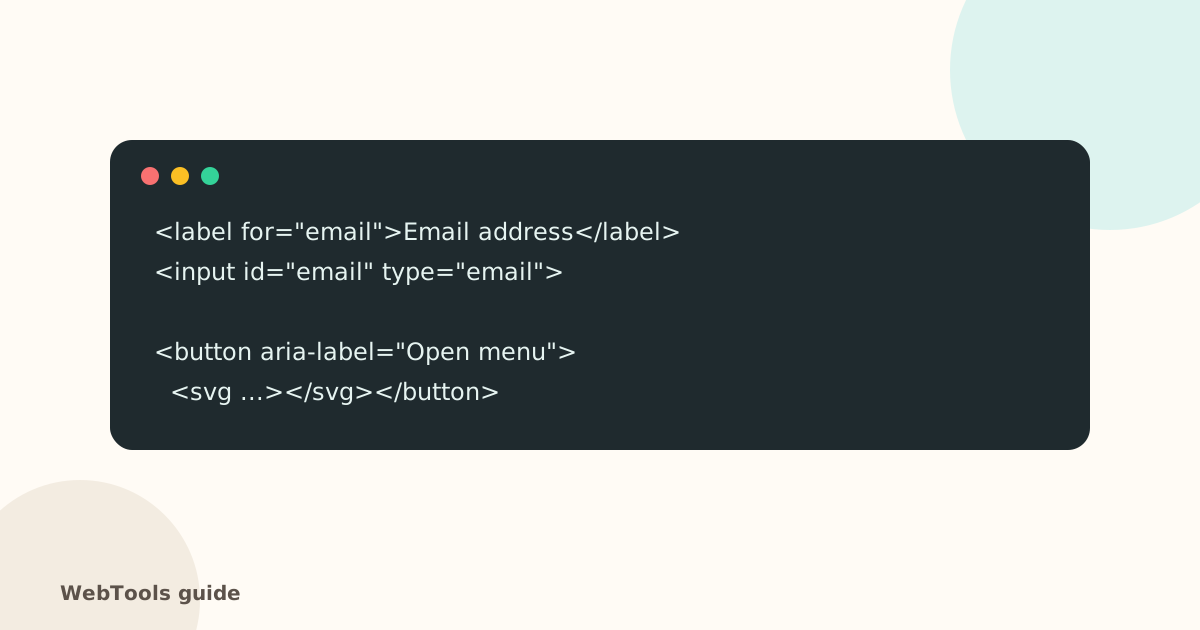 AccessibilityAccessible links, buttons and forms: quick fixes that help everyoneForm fields without labels, empty icon buttons and "click here" links confuse screen reader users. Learn the quick fixes that make your site usable for everyone.1 min read
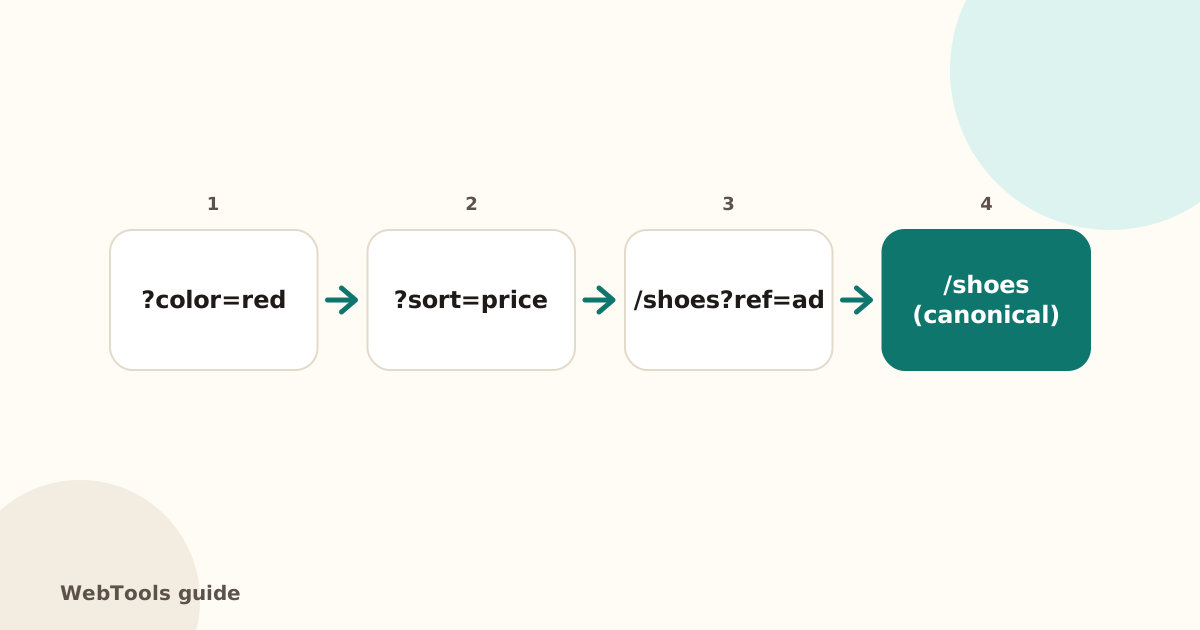 SEOCanonical tags: fix duplicate content the right wayA canonical tag tells Google which address is the main copy of a page. Learn when to use it, how to add it, and how to fix missing, wrong and duplicate canonicals.1 min read
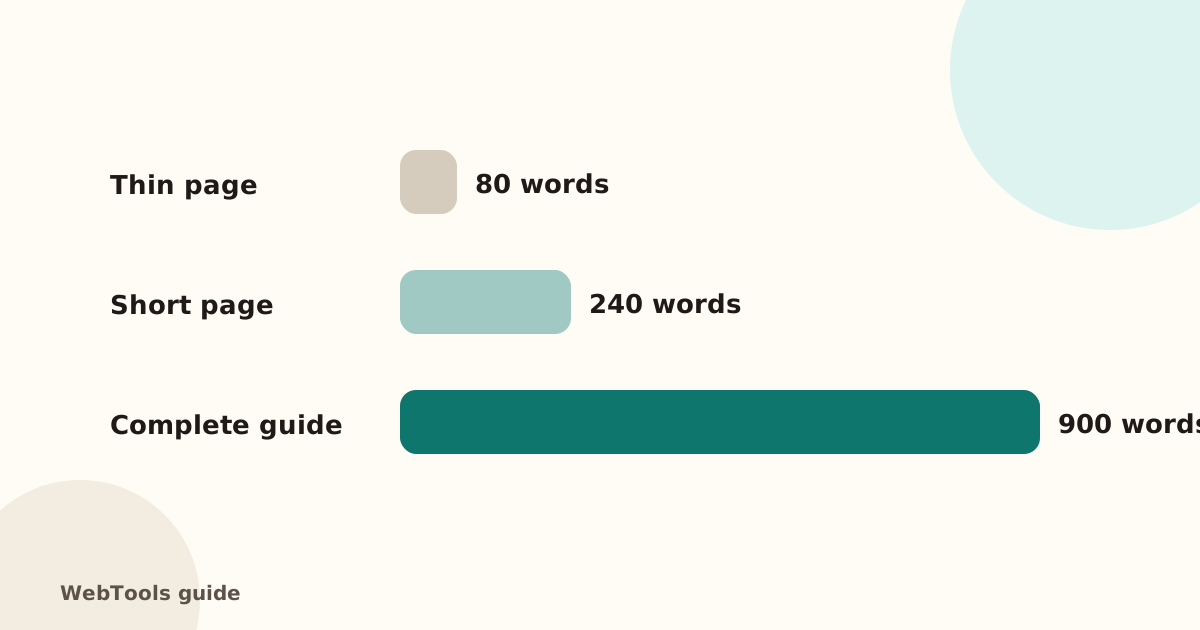 SEOThin content: how much text does a page need to rank?Pages with very little text rarely rank. Learn what thin content is, when short pages are fine, and how to expand or merge pages so they answer the searcher's question.1 min read